This tool is designed to act as an automated monitoring system for your trading charts. It scans the visual elements you place on your screen—specifically horizontal lines and trend lines—and notifies you in real-time when the market price moves close enough to hit them.
How it Works
The script functions by constantly observing the objects you draw on your chart. Instead of requiring a complex setup for every single line, it uses a simple naming convention within the "Description" field of your drawing objects to determine how it should behave.
1. Identifying Active Alerts
The script looks for a specific tag in the description of your lines (e.g., Alert_50). If it finds this tag, it recognizes that you want to be notified when the price reaches that specific point. The number following the tag tells the script exactly how many "pips" away from the line it should trigger the notification.
2. Real-Time Monitoring The tool continuously calculates the distance between the current live market price and your drawn lines. If the market price enters the "proximity zone" you defined in the description (the number of pips), the script takes action.
3. Multi-Channel Notifications Once a price hits your target zone, the script provides immediate feedback through two customizable channels:
- Popup Alerts: A visual notification window appears directly on your trading platform.
- Email Alerts: An automated email is sent to your connected account to ensure you are notified even if you aren't looking at your screens.
4. Smart Management To prevent the script from sending hundreds of repetitive notifications for the same price hit, it features a "clearance" logic. Once an alert is successfully triggered and delivered to you, the script automatically removes the alert tag from that specific object’s description. This "resets" the line, allowing you to set it up again or wait for future movement without receiving duplicate pings.
User Interface
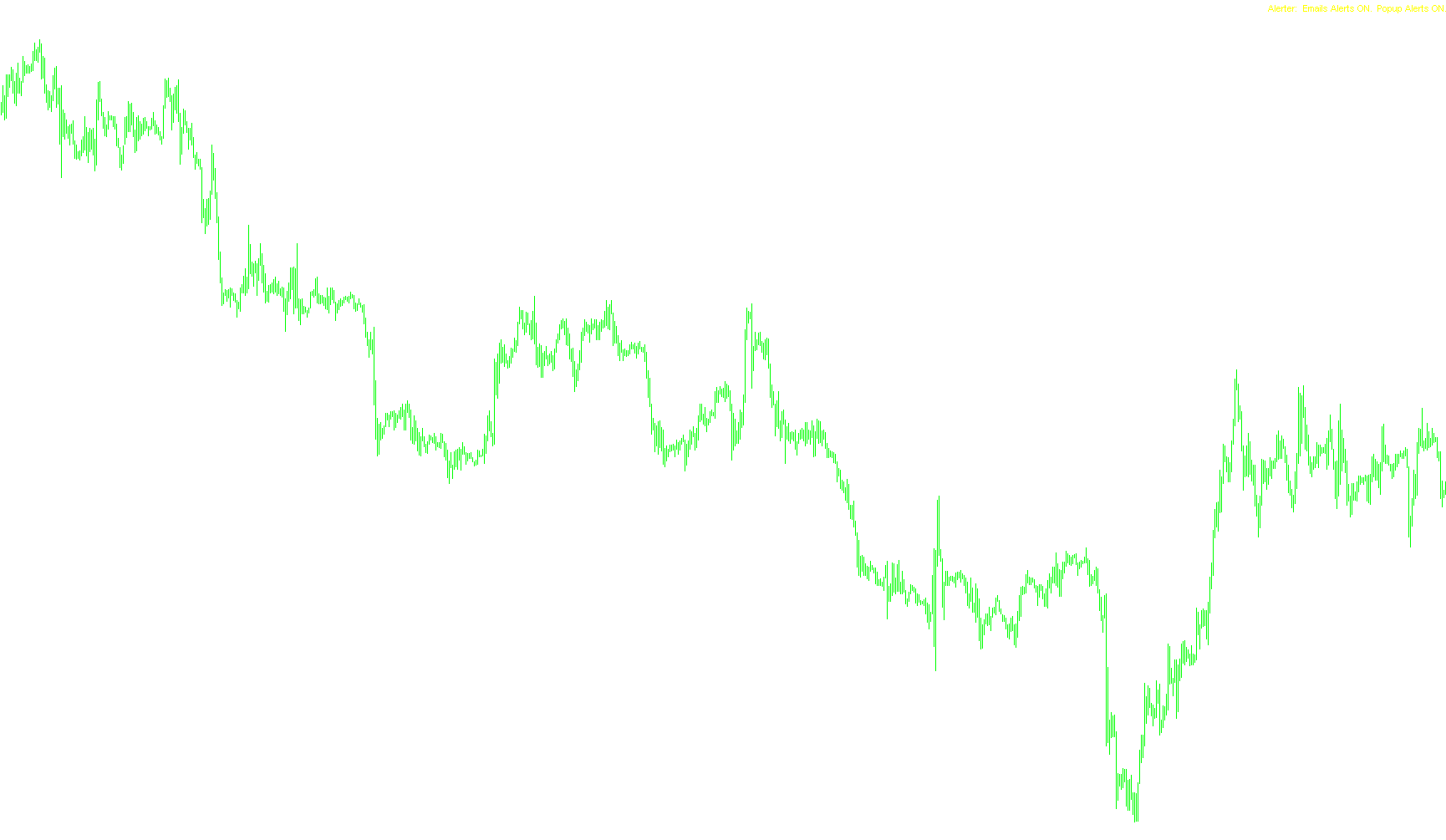
When you load the tool, it places a small status label in the corner of your chart. This provides a quick visual confirmation of whether your Email and Popup alert systems are currently active or deactivated.
#define			OBJNAME_LABEL		"Alerter Label"
#define			OBJDESC_PATTERN		"Alert_"

#property indicator_chart_window

extern bool		EmailAlert	= true;
extern bool		PopupAlert	= true;

int init() {
	createIndicatorLabel(OBJNAME_LABEL);
}

int deinit() {
	ObjectDelete(OBJNAME_LABEL);
}

int start() {

	// Iterate over objects on this chart
	for (int i=ObjectsTotal()-1;i>=0;i--) {
		string	sObjName 	= ObjectName(i);
		double	dObjPrice;
		int		iObjAlert;
		int		iProximity;
		string	sMessage;

		// Can we get a price for this object?  If not, continue iteration
		dObjPrice = getObjectPrice(sObjName);
		if (dObjPrice == -1) continue;

		// Is there an alert on this object?  If not, continue iteration
		iObjAlert = getObjectAlert(sObjName);
		if (iObjAlert == -1) continue;

		// Is the line within alert proximity?  If not, continue iteration
		iProximity = MathAbs(Bid - dObjPrice) / Point;
		if (iProximity > iObjAlert) continue;

		// Fire the alert and clear alert from description
		sMessage = "Alert triggered: " + Symbol() + "@" + DoubleToStr(Bid,Digits)  +"."
			+ "  " + iProximity + " pips from " + sObjName + ".";
		if (PopupAlert) Alert(sMessage);
		if (EmailAlert) SendMail("Alert on " + Symbol(), sMessage);

		// Clear the alert from the object description
		clearObjectAlert(sObjName);
	}

	return(0);
}

double getObjectPrice(string sObjName) {

	int iObjType = ObjectType(sObjName);

	// if it's a horizontal line...
	if (iObjType == OBJ_HLINE)
		return(ObjectGet(sObjName,OBJPROP_PRICE1));

	// if it's a trend line...
	if (iObjType == OBJ_TREND)
		return(ObjectGetValueByShift(sObjName,0));

	// otherwise...
	return(-1);
}


int getObjectAlert(string sObjName) {

	// looking for pattern "alert_##" at end of obj description
	string 	sObjectDesc		= ObjectDescription(sObjName);
	int 	iPatternOffset 	= StringFind(sObjectDesc,OBJDESC_PATTERN);
	int		iPatternLength	= StringLen(OBJDESC_PATTERN);

	// if pattern not found, no alert for this object
	if (iPatternOffset == -1)
		return(-1);

	// return value after the pattern as number
	//Print("Alert: ", StringSubstr(sObjectDesc,iPatternOffset+iPatternLength));
	return(StrToInteger(StringSubstr(sObjectDesc,iPatternOffset+iPatternLength)));
}

void clearObjectAlert(string sObjName) {

	// strip "alert_*" from end of obj description
	string 	sObjDesc 		= ObjectDescription(sObjName);
	int 	iSubStrOffset 	= StringFind(sObjDesc,"Alert_");

	// if found at start of description, clear description
	if (iSubStrOffset == 0) {
		ObjectSetText(sObjName,"");
		return;
	}

	// if found further on in desc, strip it from description
	if (iSubStrOffset > 0) {
		ObjectSetText(sObjName,StringSubstr(sObjDesc,0,iSubStrOffset));
		return;
	}
}

void createIndicatorLabel(string sObjName) {

	// Set the text
	string sObjText = "Alerter:";
	if (EmailAlert) sObjText = sObjText + "  Emails Alerts ON.";
	else            sObjText = sObjText + "  Emails Alerts OFF.";
	if (PopupAlert) sObjText = sObjText + "  Popup Alerts ON.";
	else			sObjText = sObjText + "  Popup Alerts OFF.";

	// Create and position the label
	ObjectCreate(sObjName,OBJ_LABEL,0,0,0);
	ObjectSetText(sObjName,sObjText,8,"Arial",Yellow);
	ObjectSet(sObjName,OBJPROP_XDISTANCE,5);
	ObjectSet(sObjName,OBJPROP_YDISTANCE,5);
	ObjectSet(sObjName,OBJPROP_CORNER,1);

}
Comments