ATM_4Sessions
Download script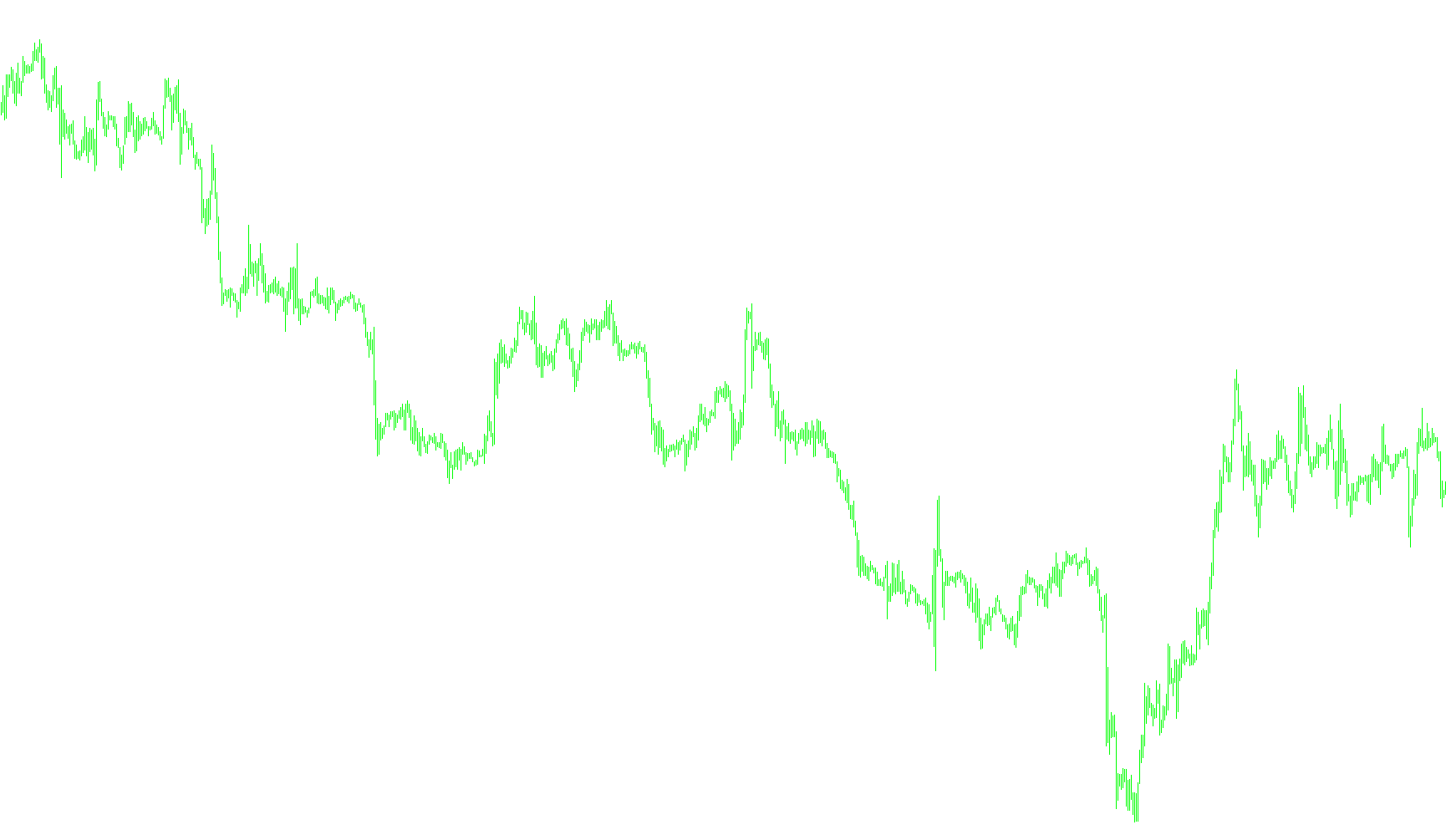
This tool is designed to provide a clear visual layout of specific trading sessions directly on your MetaTrader price chart. By highlighting distinct time blocks, it helps traders identify key market periods—such as high-volatility zones or specific regional opens—allowing for better organization of the trading day.
Core Functionality
The script automatically identifies and draws four separate colored "boxes" (rectangles) over your historical price data. These boxes represent specific windows of time that you can customize. Instead of just showing a line, the tool creates a shaded background area that covers the entire height of the price movement during that specific timeframe.
How it Works
- Customizable Time Windows: You can define four unique sessions by setting their start and end times (e.g., a morning session, a midday break, or an evening peak). Each session can be assigned a different color to make them easily distinguishable at a glance.
- Dynamic Height Calculation: The script is intelligent enough to automatically detect the highest and lowest prices reached during each defined session. It then stretches the visual box to fit that exact range, ensuring the background accurately reflects the price action of that period.
- Historical Mapping: The tool doesn't just show today's sessions; it looks back across a user-defined number of past days (defaulting to 50). This allows you to see how specific market behaviors repeat over time or identify recurring patterns in different sessions.
- Smart Calendar Awareness: The logic includes a specialized date handler that recognizes the trading week. It understands how to transition between dates and ensures that sessions are mapped correctly, even when accounting for month-end changes or weekends.
Visual Experience
When active, the chart will be populated with organized, solid-colored blocks in the background. Because these objects are set to stay in the "back" of the chart, they provide a professional, clean look that highlights the environment without cluttering your actual price candles or technical indicators.
//+------------------------------------------------------------------+
//|                                                        times.mq4 |
//|                                                                  |
//|               Made/Modified by sh _j .                           |
//|                                                                  |
//|  tweaked by Accrete to generalize session names/code and add     |
//|  a fourth session box   www.accrete.com                          |
//+------------------------------------------------------------------+
#property copyright "Morning Star"
#property link      "http://Grand Forex.ir"

#property indicator_chart_window


extern int    NumberOfDays = 50;
extern string Session1start    = "00:00";
extern string Session1end      = "06:59";
extern color  Session1color    = DimGray;
extern string Session2start     = "07:00";
extern string Session2end       = "07:59";
extern color  Session2color     = DarkGray;
extern string Session3start     = "08:00";
extern string Session3end       = "09:59";
extern color  Session3color     = Silver;
extern string Session4start     = "13:00";
extern string Session4end       = "16:59";
extern color  Session4color     = DarkGray;


//+------------------------------------------------------------------+
//| CSession3tom indicator initialization function                         |
//+------------------------------------------------------------------+
void init() {
  DeleteObjects();
  for (int i=0; i<NumberOfDays; i++) {
    CreateObjects("Session1"+i, Session1color);
    CreateObjects("Session2"+i, Session2color);
    CreateObjects("Session3"+i, Session3color);
    CreateObjects("Session4"+i, Session4color);
  }
  Comment("");
}

//+------------------------------------------------------------------+
//| CSession3tor indicator deinitialization function                       |
//+------------------------------------------------------------------+
void deinit() {
  DeleteObjects();
  Comment("");
}


void CreateObjects(string no, color cl) {
  ObjectCreate(no, OBJ_RECTANGLE, 0, 0,0, 0,0);
  ObjectSet(no, OBJPROP_STYLE, STYLE_SOLID);
  ObjectSet(no, OBJPROP_COLOR, cl);
  ObjectSet(no, OBJPROP_BACK, True);
}

//+------------------------------------------------------------------+
//| Óäàëåíèå îáúåêòîâ èíäèêàòîðà                                     |
//+------------------------------------------------------------------+
void DeleteObjects() {
  for (int i=0; i<NumberOfDays; i++) {
    ObjectDelete("Session1"+i);
    ObjectDelete("Session2"+i);
    ObjectDelete("Session3"+i);
    ObjectDelete("Session4"+i);
  }
}

//+------------------------------------------------------------------+
//| CSession3tom indicator iteration function                              |
//+------------------------------------------------------------------+
void start() {
  datetime dt=CurTime();

  for (int i=0; i<NumberOfDays; i++) {
    DrawObjects(dt, "Session1"+i, Session1start, Session1end);
    DrawObjects(dt, "Session2"+i, Session2start, Session2end);
    DrawObjects(dt, "Session3"+i, Session3start, Session3end);
    DrawObjects(dt, "Session4"+i, Session4start, Session4end);
    dt=decDateTradeDay(dt);
    while (TimeDayOfWeek(dt)>5) dt=decDateTradeDay(dt);
  }
}


void DrawObjects(datetime dt, string no, string tb, string te) {
  datetime t1, t2;
  double   p1, p2;
  int      b1, b2;

  t1=StrToTime(TimeToStr(dt, TIME_DATE)+" "+tb);
  t2=StrToTime(TimeToStr(dt, TIME_DATE)+" "+te);
  b1=iBarShift(NULL, 0, t1);
  b2=iBarShift(NULL, 0, t2);
  p1=High[Highest(NULL, 0, MODE_HIGH, b1-b2, b2)];
  p2=Low [Lowest (NULL, 0, MODE_LOW , b1-b2, b2)];
  ObjectSet(no, OBJPROP_TIME1 , t1);
  ObjectSet(no, OBJPROP_PRICE1, p1);
  ObjectSet(no, OBJPROP_TIME2 , t2);
  ObjectSet(no, OBJPROP_PRICE2, p2);
}


datetime decDateTradeDay (datetime dt) {
  int ty=TimeYear(dt);
  int tm=TimeMonth(dt);
  int td=TimeDay(dt);
  int th=TimeHour(dt);
  int ti=TimeMinute(dt);

  td--;
  if (td==0) {
    tm--;
    if (tm==0) {
      ty--;
      tm=12;
    }
    if (tm==1 || tm==3 || tm==5 || tm==7 || tm==8 || tm==10 || tm==12) td=31;
    if (tm==2) if (MathMod(ty, 4)==0) td=29; else td=28;
    if (tm==4 || tm==6 || tm==9 || tm==11) td=30;
  }
  return(StrToTime(ty+"."+tm+"."+td+" "+th+":"+ti));
}
//+------------------------------------------------------------------+
Comments