BT2Sig
Download script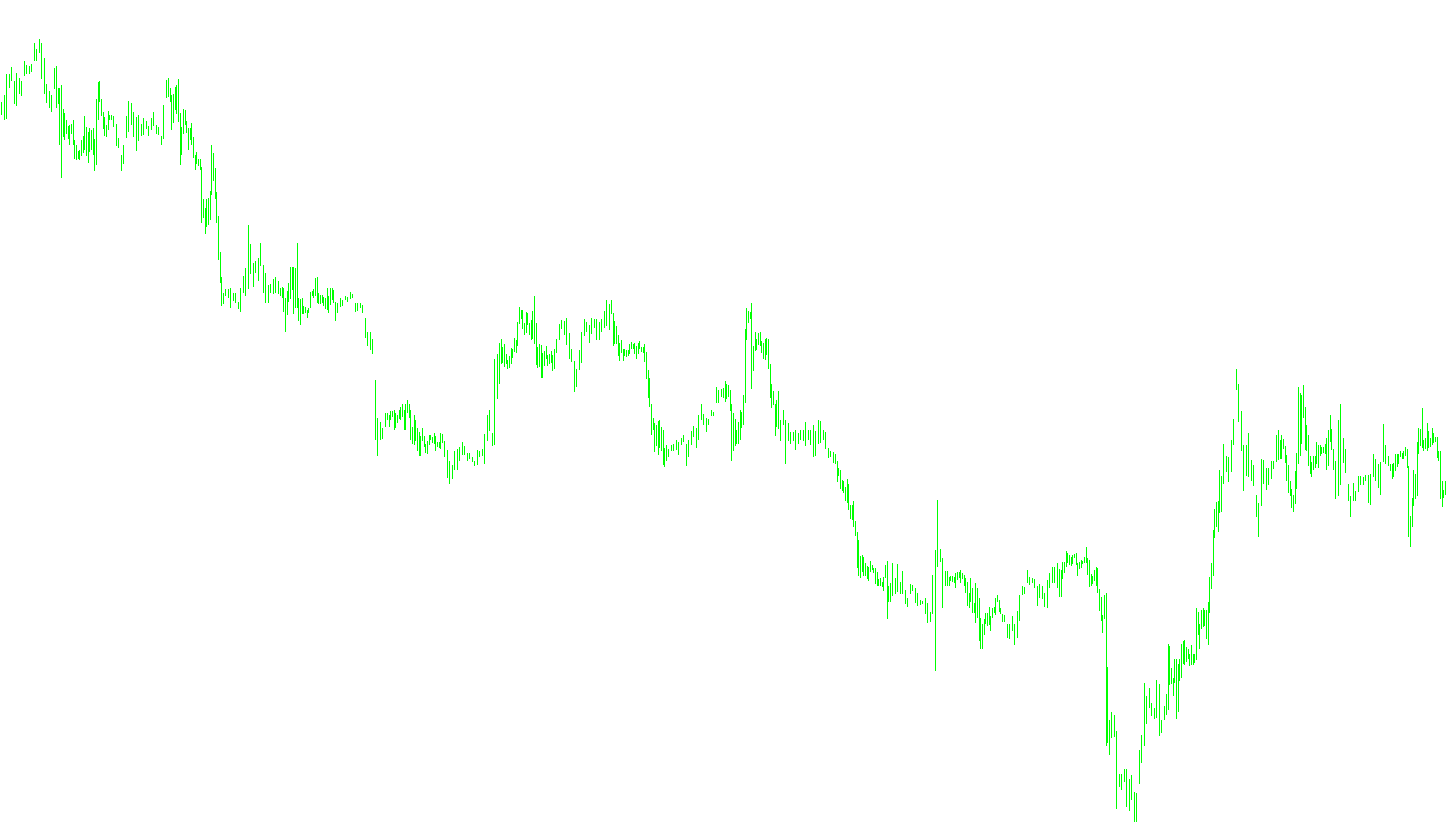
This tool is designed to serve as a visual navigation guide for traders, specifically identifying key turning points in market trends. By analyzing historical price action and momentum, it filters out "market noise" to highlight specific moments where the trend might be shifting.
How the Logic Works
The script functions by monitoring a secondary set of data (referred to internally as "BrainTrend2Stop"). Rather than simply looking at the current price, it evaluates these underlying signals to determine when a significant change in market direction is occurring.
Trend Identification and Signal Generation: The tool looks for specific "trigger" events within the data stream. It compares the current state of the market signal against its previous state to identify a clean break or a reversal:
- Buy Signals (Blue Arrows): The logic identifies a situation where a specific upward momentum signal appears suddenly while the preceding signal was inactive. When this "breakout" occurs, the tool places a blue arrow on your chart to indicate a potential entry point for a long position.
- Sell Signals (Red Arrows): Conversely, it monitors for downward momentum shifts. If the data shows a new downward signal appearing after a period of inactivity or an opposing trend, it places a red arrow to highlight a potential opportunity for a short position.
Key Visual Features
- Clean Chart Interface: Instead of cluttering your screen with constant lines or complex moving averages, this script only provides information when it detects a relevant change. It remains silent until a confirmed signal is generated.
- Historical Context: The tool processes a specific number of bars (adjustable by the user) to ensure that the signals it produces are based on a consistent amount of historical data, helping to maintain reliability across different timeframes.
- User-Defined Range: You can customize how many candles the script analyzes back into the past, allowing you to balance the tool's sensitivity with the amount of history it considers when making its calculations.
In summary, this script acts as an automated "scout." It continuously watches the underlying market mechanics and only alerts you when it detects a confirmed shift in momentum, marking those specific moments with visual icons for your trading decisions.
//+-----------------------------------------------------------------------+
//|                                                    BrainTrend2Sig.mq4 |
//|                                   Copyright © 2005. Alejandro Galindo |
//|                                                   http://elCactus.com |
//|         ASCTrend1 modified to generate similar signals to BrainTrend1 |
//|           	Author := C0Rpus - big thanks CHANGE2002, STEPAN and SERSH |
//|	                                 Notes := ASCTrend1 3.0 Open Source |
//+-----------------------------------------------------------------------+

#property indicator_chart_window
#property indicator_buffers 2
#property indicator_color1 Blue
#property indicator_color2 Red

//---- input parameters
extern int RISK=3;
extern int CountBars=500;

//---- buffers
double Buffer1[];
double Buffer2[];

//+------------------------------------------------------------------+
//| Custom indicator initialization function                         |
//+------------------------------------------------------------------+
int init()
  {
//---- indicator line
   IndicatorBuffers(2);
   SetIndexStyle(0,DRAW_ARROW,0,1);
   SetIndexStyle(1,DRAW_ARROW,0,1);
   SetIndexBuffer(0,Buffer1);
   SetIndexBuffer(1,Buffer2);
   SetIndexArrow(0,108);
   SetIndexArrow(1,108);

//----
   return(0);
  }
//+------------------------------------------------------------------+
//| ASCTrend1                                                  |
//+------------------------------------------------------------------+
int start()
  {
   int i,shift,counted_bars=IndicatorCounted();
   //int Counter,i1,value10,value11;
   //double value1,x1,x2;
   //double value2,value3;
   //double TrueCount,Range,AvgRange,MRO1,MRO2;
   double BT1=0, BT2=0, BT3=0, BT4=0;
   if (CountBars>=Bars) CountBars=Bars;
   SetIndexDrawBegin(0,Bars-CountBars+11+1);
   SetIndexDrawBegin(1,Bars-CountBars+11+1);

//---- initial zero
//----
   shift=CountBars-11-1;
   while(shift>=0)
     {
         Buffer1[shift]=0;
         Buffer2[shift]=0;
         BT1=iCustom(NULL,0,"BrainTrend2Stop",10,0,shift);
         BT2=iCustom(NULL,0,"BrainTrend2Stop",10,0,shift+1);
         BT3=iCustom(NULL,0,"BrainTrend2Stop",10,1,shift);
         BT4=iCustom(NULL,0,"BrainTrend2Stop",10,1,shift+1);
         if (BT1 && !BT2) { Buffer2[shift]=BT1; }
         if (BT3 && !BT4) { Buffer1[shift]=BT3; }

      shift--;
     }

   return(0);
  }
//+------------------------------------------------------------------+
Comments