Drawdown_Tracker v1
Download script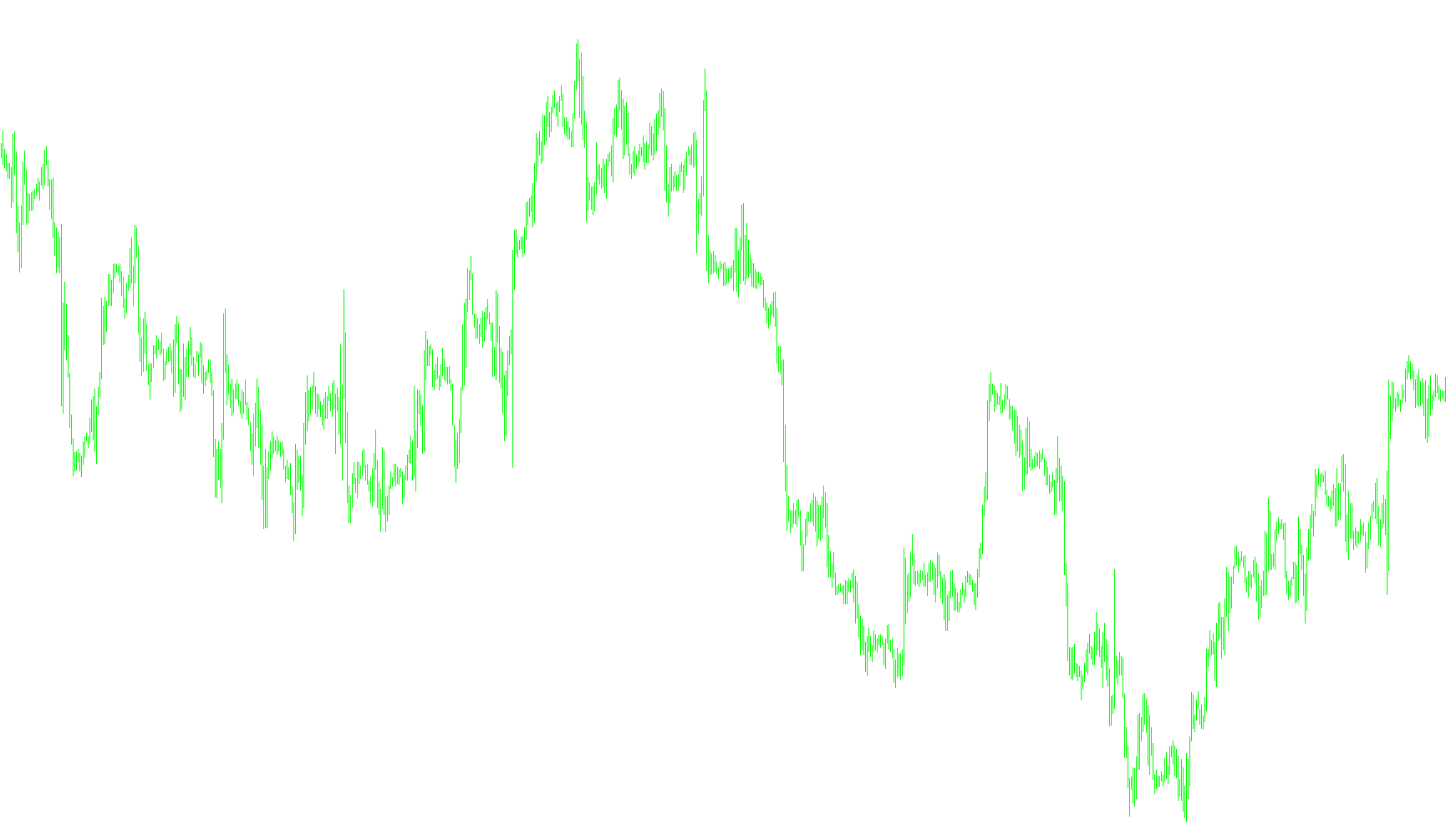
This tool is designed as a background data logger for MetaTrader users who want to perform deeper analysis on their trading performance. Unlike many indicators that draw lines or shapes on your price chart, this script works silently in the background, focusing entirely on recording "the life of a trade" into an external format.
How it Works
The logic follows a straightforward process: every time the platform updates, the script scans your open positions. If it detects any active trades—regardless of whether they were opened manually or by an automated robot (EA)—it begins capturing specific data points for each individual trade.
For every open position, the script calculates the real-time profit or loss based on the difference between your entry price and the current market price. It then organizes this information into a structured format including:
- Trade Identification: The unique ticket number and the specific currency symbol.
- Time Stamps: The exact date and time both when the trade was opened and the current moment of the log.
- Price Tracking: The original opening price compared against the current live market price.
- Profit Metrics: The calculated profit or loss value at that specific moment.
Data Organization
The script is highly organized in how it saves information. Instead of putting everything into one giant, messy list, it creates a unique CSV file for every single trade you open. The filenames are automatically generated using a combination of the tool's name, the date, the time, and the symbol.
Purpose and Use Case
This is a professional utility intended for traders who want to "feel" the evolution of their trades. Because the data is exported to CSV files, it is perfectly suited for users who like to export their history into spreadsheet software (like Excel). By viewing these logs over time, you can visualize how your trades fluctuate during their lifespan, helping you refine your strategy for better entries, more precise stop-loss placements, and optimized take-profit targets.
#property indicator_chart_window

// coded by Ben Nachtrieb mountainclimber11@yahoo.com

//indicator creates a csv file in your experts>files folder for each trade that is openned
//in your account.  Its doesn't matter if its from and EA or manual it will record the
//profit or loss of the trade so long as it is open in your platform.  It also doesn't matter
//how many trades you have open.  It opens a new file for each trade that is openned.  It also
//keeps track of some other stuff.  I just started to use it to help me with optimual entry, sl placement,
//tp areas, and exits.  I uaually graph it in excel to get a "feel" for the life of my trade and
//take some notes.
//super simple system!  yet useful....
//nothing will show up on your chart when this is attached.  A csv file is only created if there
//is an open trade in the account.
//enjoy!

extern string FileName="DrawDownTracker";

int OrdersPerAccount, nmbr, ticket, handle;
double lastprice, openprice, orderprofit;
string symbol, FileNameDate,FileNameTime,FileNameSymbol,filename,date,time;
datetime opentime;

int start()
{

AccountPositionCounter();

if(OrdersPerAccount>0)
   {

   for(nmbr=OrdersTotal();nmbr>=0;nmbr--)
      {//if there is no order break loop
      if(OrderSelect(nmbr,SELECT_BY_POS, MODE_TRADES)==false){ continue;}
      else//if there is an order then record info
      openprice=OrderOpenPrice();
      if(OrderType()==OP_SELL)
         {
         lastprice=MarketInfo(OrderSymbol(),MODE_ASK);
         orderprofit=(openprice-lastprice)/MarketInfo(OrderSymbol(),MODE_POINT);
         }
      if(OrderType()==OP_BUY)
         {
         lastprice=MarketInfo(OrderSymbol(),MODE_BID);
         orderprofit=(lastprice-openprice)/MarketInfo(OrderSymbol(),MODE_POINT);
         }
      symbol=OrderSymbol();
      opentime=OrderOpenTime();
      ticket=OrderTicket();
      date=StringConcatenate(TimeMonth(TimeCurrent()),"-",TimeDay(TimeCurrent()),"-",TimeYear(TimeCurrent()));
      time=StringConcatenate(TimeHour(TimeCurrent()),":",TimeMinute(TimeCurrent()));
      FileNameDate=StringConcatenate(TimeMonth(opentime),"-",TimeDay(opentime),"-",TimeYear(opentime));
      FileNameTime=StringConcatenate(TimeHour(opentime),TimeMinute(opentime));
      FileNameSymbol=symbol;
      filename= FileName+FileNameDate+FileNameTime+FileNameSymbol;

      handle=FileOpen(filename+".csv",FILE_CSV|FILE_READ,",");
         if(handle<0)//if failed
            {//create new file
            handle=FileOpen(filename+".csv",FILE_CSV|FILE_WRITE|FILE_READ,",");
               if(handle>=0)//if successful
                  {//write headers
                  FileWrite(handle,"OrderProfit","Ticket","Symbol","Date","Time",
                  "OpenPrice","LastPrice");
                  FileFlush(handle);
                  }//write headers
            }//create new file

        if(handle>=0)
         {
         FileClose(handle);

         handle=FileOpen(filename+".csv",FILE_CSV|FILE_WRITE|FILE_READ,",");

         FileSeek(handle,0,SEEK_END);
         FileWrite(handle,orderprofit,ticket,symbol,date,time,openprice,lastprice,",");
         FileClose(handle);
         handle=-1;
         }
      }//for loop orderselect
    }//ordersperaccount
}//start

void AccountPositionCounter()
   {
   OrdersPerAccount=0;

   for(nmbr=OrdersTotal();nmbr>=0;nmbr--)
     {
      if(OrderSelect(nmbr, SELECT_BY_POS, MODE_TRADES)==false){ continue;}
         else

        OrdersPerAccount++;
     }//for
   }//void
Comments