Flat Trend_v1
Download script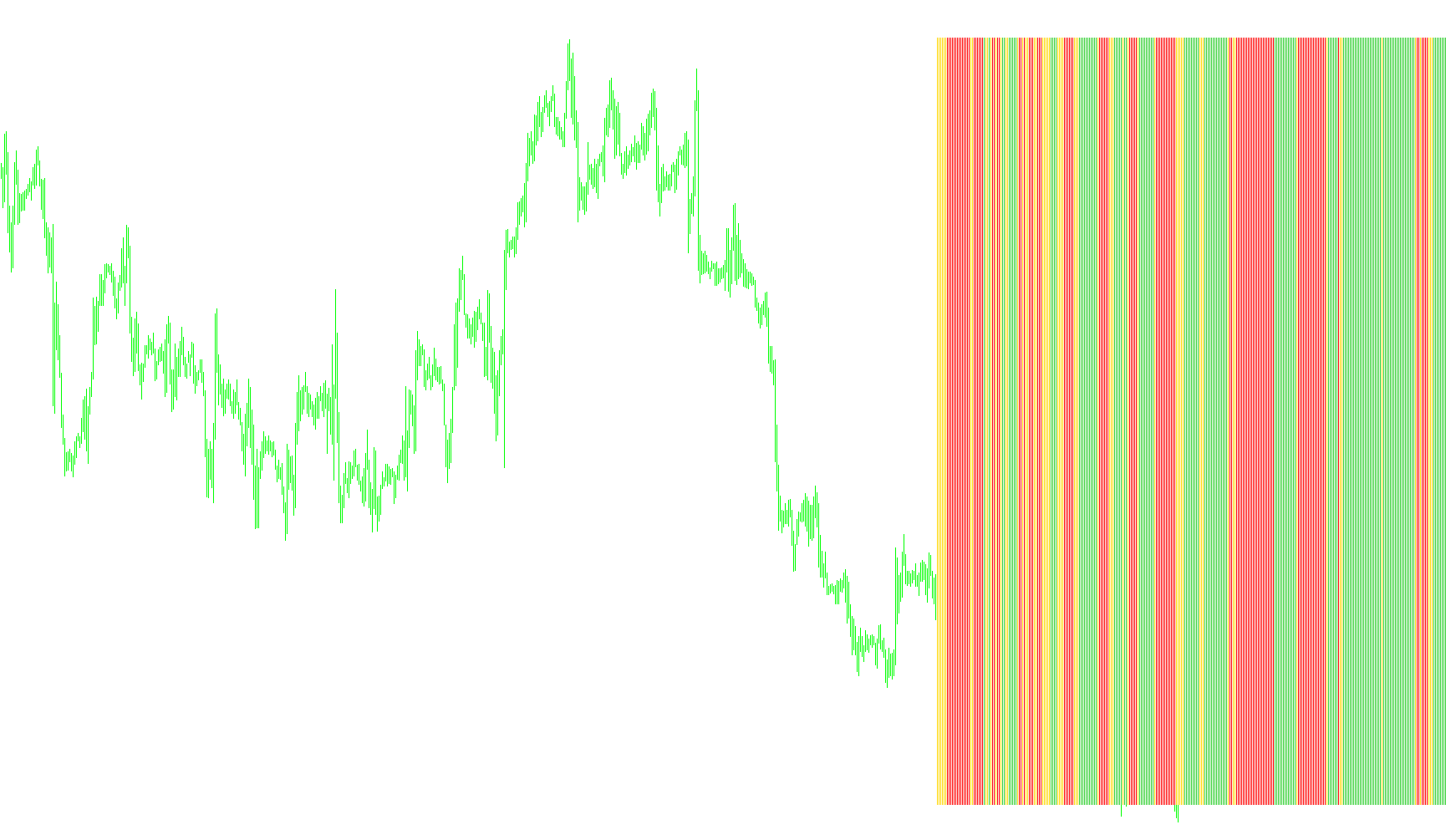
The Flat Trend indicator is a visual tool designed to help traders identify and visualize market momentum and trend direction by synthesizing data from three different technical analysis perspectives. Instead of relying on a single price movement, it looks at the relationship between current price action, momentum strength, and volatility-based "trailing" points.
How the Logic Works
The script analyzes the market using three distinct layers of logic to determine what it displays on your chart:
1. Momentum Strength (ADX Analysis) The indicator uses a common momentum oscillator called the ADX. It compares the strength of the current trend against the previous period. By looking at these two values, the script determines if the market's "energy" is increasing or decreasing. This helps filter out "noise" and ensures that the indicator only reacts when there is significant movement behind the price.
2. Price Positioning (Parabolic SAR) The tool incorporates a volatility-based trailing point (Parabolic SAR). It checks whether the current market price is sitting above or below this specific calculated point. This acts as a primary "filter" to separate bullish movements from bearish movements, helping to define which direction the trend is currently leaning.
3. The Combined Trend Signal The final visual output—the three different colored bars—is determined by combining these two layers of information:
- Bullish Momentum (Lime Green): This appears when the price is positioned above the volatility point AND the momentum strength is actively increasing. It signals a trend with upward pressure.
- Bearish Momentum (Red): This appears when the price falls below the volatility point AND the momentum strength is actively decreasing (or reversing downward). It signals a trend with downward pressure.
- Neutral/Flat Market (Gold): If neither of the specific bullish or bearish conditions are met, the indicator identifies the market as "Flat." This represents periods of consolidation, low volatility, or indecision where there is no clear trend direction.
Key Features for the User
- Customizable Timeframes: You can set the script to analyze different time horizons (ranging from 1-minute charts up to monthly views) to suit your specific trading style.
- Visual Clarity: By providing three distinct colors, the tool allows you to see at a glance whether the market is trending in your favor, moving against you, or sitting in a "flat" state where it might be safer to stay out of the market.
/*-----------------------------+
|			       |
| Shared by www.Aptrafx.com    |
|			       |
+------------------------------*/

//+------------------------------------------------------------------+
//|                                                    FlatTrend.mq4 |
//|                                                       Kirk Sloan |
//|                                        http://www.metaquotes.net |
//+------------------------------------------------------------------+
#property copyright "Kirk Sloan"
#property link      "http://www.metaquotes.net"

#property indicator_separate_window
#property indicator_minimum 0
#property indicator_maximum 1
#property indicator_buffers 3
#property indicator_color1 Red
#property indicator_color2 LimeGreen
#property indicator_color3 Gold
//---- input parameters
extern int       Minutes=5;
//---- buffers
double ExtMapBuffer1[];
double ExtMapBuffer2[];
double ExtMapBuffer3[];
double Ma;
double hhigh, llow;
double Psar;
double PADX,NADX;
string TimeFrameStr;
//+------------------------------------------------------------------+
//| Custom indicator initialization function                         |
//+------------------------------------------------------------------+
int init()
  {
//---- indicators
  SetIndexStyle(0,DRAW_HISTOGRAM,STYLE_SOLID,1,Red);
  SetIndexBuffer(0,ExtMapBuffer1);
  SetIndexStyle(1,DRAW_HISTOGRAM,STYLE_SOLID,1, LimeGreen);
  SetIndexBuffer(1,ExtMapBuffer2);
  SetIndexStyle(2,DRAW_HISTOGRAM,STYLE_SOLID,1, Gold);
  SetIndexBuffer(2,ExtMapBuffer3);

switch(Minutes)
   {
      case 1 : TimeFrameStr="Period_M1"; break;
      case 5 : TimeFrameStr="Period_M5"; break;
      case 15 : TimeFrameStr="Period_M15"; break;
      case 30 : TimeFrameStr="Period_M30"; break;
      case 60 : TimeFrameStr="Period_H1"; break;
      case 240 : TimeFrameStr="Period_H4"; break;
      case 1440 : TimeFrameStr="Period_D1"; break;
      case 10080 : TimeFrameStr="Period_W1"; break;
      case 43200 : TimeFrameStr="Period_MN1"; break;
      default : TimeFrameStr="Current Timeframe"; Minutes=0;
   }
   IndicatorShortName("Flat Trend ("+TimeFrameStr+")");


//----
   return(0);
  }
//+------------------------------------------------------------------+
//| Custom indicator deinitialization function                       |
//+------------------------------------------------------------------+
int deinit()
  {
//----

//----
   return(0);
  }
//+------------------------------------------------------------------+
//| Custom indicator iteration function                              |
//+------------------------------------------------------------------+
int start()
  {
   int    counted_bars=IndicatorCounted();
//----

for (int i = 0; i < 300; i++){
   ExtMapBuffer1[i]=0;
   ExtMapBuffer2[i]=0;
   ExtMapBuffer3[i]=0;

   PADX=iADX(NULL,Minutes,14 ,PRICE_CLOSE,1,i);
   NADX=iADX(NULL,Minutes,14 ,PRICE_CLOSE,2,i);

   Psar = iSAR(NULL,Minutes,0.02,0.2,i) ;

   if (Psar < iClose(NULL, Minutes,i) && PADX > NADX){
      ExtMapBuffer2[i] = 1;
      }

   if (Psar > iClose(NULL, Minutes,i) && NADX > PADX){
      ExtMapBuffer1[i] = 1;
         }
   if (ExtMapBuffer1[i] == 0 && ExtMapBuffer2[i] == 0){
      ExtMapBuffer3[i] = 1;
      }

}


//----
   return(0);
  }
//+------------------------------------------------------------------+
Comments