FractalChannel_v1_v2
Download script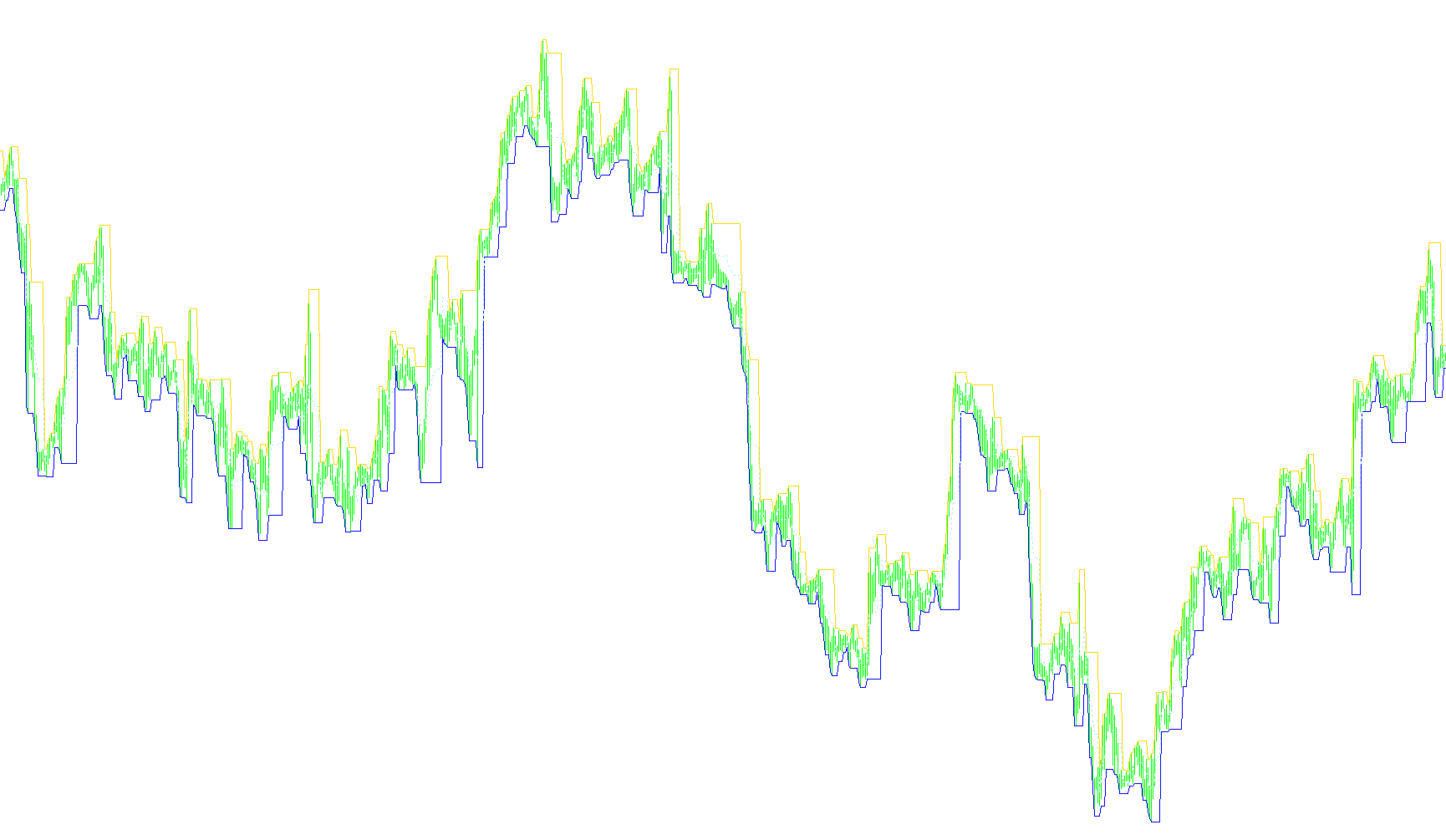
The Fractal Channel indicator is designed to provide traders with a visual representation of market structure by automatically identifying significant price boundaries. Instead of simply plotting every high and low, the tool uses a "fractal" logic to filter out minor price fluctuations and highlight major structural turning points.
Core Operational Logic
1. Dynamic Price Identification The script begins by analyzing the price history of the chart. Depending on the user's settings, it can choose to look at either the absolute highs and lows of each candle or focus specifically on the body of the candles (the open and close prices). This flexibility allows it to adapt to different trading styles—some traders prefer identifying "wicks" (extremes), while others prefer focusing on where the price actually settled.
2. Fractal Structure Detection The script identifies key peaks and valleys based on three distinct "Channel Types." This determines the "neighborhood" of candles it inspects to confirm a reversal:
- Type 1: Looks for immediate local turns.
- Type 2: Looks for more significant, broader historical highs and lows.
- Type 3: Looks for major structural pivots by analyzing a wider span of previous price action.
By requiring a price point to be higher (or lower) than its surrounding neighbors, the script ensures that the boundaries it creates represent meaningful market behavior rather than random noise.
3. Channel Construction Once the significant high and low points are identified, the indicator calculates a "range" between them. From this range, it generates three distinct visual components:
- Up Channel: A boundary line derived from the upper limits of the price action.
- Down Channel: A boundary line derived from the lower limits of the price action.
- Middle Channel: An automatically calculated midline that represents the equilibrium point between the upper and lower boundaries.
How It Functions for the User
The logic effectively "brackets" the market. By defining these boundaries, it helps traders visualize current support and resistance zones. The user can adjust the "Margins" to control how tightly these lines hug the price action or how much breathing room is left between the boundaries.
Ultimately, the script simplifies complex price history into a clear, three-line structure that highlights where the market has historically paused or reversed, allowing for a clearer view of the current trend.
//+------------------------------------------------------------------+
//|                                            FractalChannel_v1.mq4 |
//|                           Copyright © 2005, TrendLaboratory Ltd. |
//|                                       E-mail: igorad2004@list.ru |
//+------------------------------------------------------------------+
#property copyright "Copyright © 2005, TrendLaboratory Ltd."
#property link      "E-mail: igorad2004@list.ru"
//----
#property indicator_chart_window
#property indicator_buffers 3
#property indicator_color1 DodgerBlue
#property indicator_color2 DodgerBlue
#property indicator_color3 DodgerBlue
//---- input parameters
extern int ChannelType=1;
extern double Margins=0;
extern double Advance=0;
extern int OpenClose=0;
//---- buffers
double UpBuffer[];
double DnBuffer[];
double MdBuffer[];
//+------------------------------------------------------------------+
//| Custom indicator initialization function                         |
//+------------------------------------------------------------------+
int init()
  {
   string short_name;
//---- indicator line
   SetIndexStyle(0,DRAW_LINE);
   SetIndexStyle(1,DRAW_LINE);
   SetIndexStyle(2,DRAW_LINE,2);
   SetIndexBuffer(0,UpBuffer);
   SetIndexBuffer(1,DnBuffer);
   SetIndexBuffer(2,MdBuffer);
//---- name for DataWindow and indicator subwindow label
   short_name="Fractal Channel("+ChannelType+")";
   IndicatorShortName(short_name);
   SetIndexLabel(0,"Up Channel");
   SetIndexLabel(1,"Down Channel");
   SetIndexLabel(2,"Middle Channel");
//----
   SetIndexDrawBegin(0,2*ChannelType);
   SetIndexDrawBegin(1,2*ChannelType);
   SetIndexDrawBegin(2,2*ChannelType);
//----
   return(0);
  }
//+------------------------------------------------------------------+
//| FractalChannel_v1                                                |
//+------------------------------------------------------------------+
int start()
  {
   int        shift;
   double   v1,v2,smax,smin,
   High0,High1,High2,High3,High4,High5,High6,
   Low0,Low1,Low2,Low3,Low4,Low5,Low6;
//----
   for(shift=Bars-1-2*ChannelType;shift>=0;shift--)
     {
      v1=-1;
      v2=-1;
//----
      High0=High[shift];
      High1=High[shift+1];
      High2=High[shift+2];
      High3=High[shift+3];
      High4=High[shift+4];
      High5=High[shift+5];
      High6=High[shift+6];
      //
      Low0=Low[shift];
      Low1=Low[shift+1];
      Low2=Low[shift+2];
      Low3=Low[shift+3];
      Low4=Low[shift+4];
      Low5=Low[shift+5];
      Low6=Low[shift+6];
//----
      if (OpenClose>0)
        {
         High0=MathMax(Close[shift],Open[shift]);
         High1=MathMax(Close[shift+1],Open[shift+1]);
         High2=MathMax(Close[shift+2],Open[shift+2]);
         High3=MathMax(Close[shift+3],Open[shift+3]);
         High4=MathMax(Close[shift+4],Open[shift+4]);
         High5=MathMax(Close[shift+5],Open[shift+5]);
         High6=MathMax(Close[shift+6],Open[shift+6]);
         //
         Low0=MathMin(Close[shift],Open[shift]);
         Low1=MathMin(Close[shift+1],Open[shift+1]);
         Low2=MathMin(Close[shift+2],Open[shift+2]);
         Low3=MathMin(Close[shift+3],Open[shift+3]);
         Low4=MathMin(Close[shift+4],Open[shift+4]);
         Low5=MathMin(Close[shift+5],Open[shift+5]);
         Low6=MathMin(Close[shift+6],Open[shift+6]);
        }
      if (ChannelType==1)
        {
         if (High2<=High1 && High0<High1) v1=High1;
         if (Low2>=Low1 && Low0>Low1) v2=Low1;
        }
      if (ChannelType==2)
        {
         if (High4<=High2 && High3<=High2 && High0<High2 && High1<High2)
            v1=High2;
         if (Low4>=Low2 && Low3>=Low2 && Low0>Low2 && Low1>Low2)
            v2=Low2;
        }
      if (ChannelType==3)
        {
         if (High6<=High3 && High5<=High3 && High4<=High3 &&
         High0<High3 && High1<High3 && High2<High3)
            v1=High3;
         if (Low6>=Low3 && Low5>=Low3 && Low4>=Low3 &&
         Low0>Low3 && Low1>Low3 && Low2>Low3)
            v2=Low3;
        }
      if(v1>0)smax=v1;
      if (High0>smax) smax=High0;
      if(v2>0)smin=v2;
      if (Low0<smin) smin=Low0;
      if (shift==Bars-1-2*ChannelType) {smin=Low0;smax=High0;}
//----
      UpBuffer[shift]=smax-(smax-smin)*Margins;
      DnBuffer[shift]=smin+(smax-smin)*Margins;
      MdBuffer[shift]=(UpBuffer[shift]+DnBuffer[shift])/2;
     }
   return(0);
  }
//+------------------------------------------------------------------+
Comments