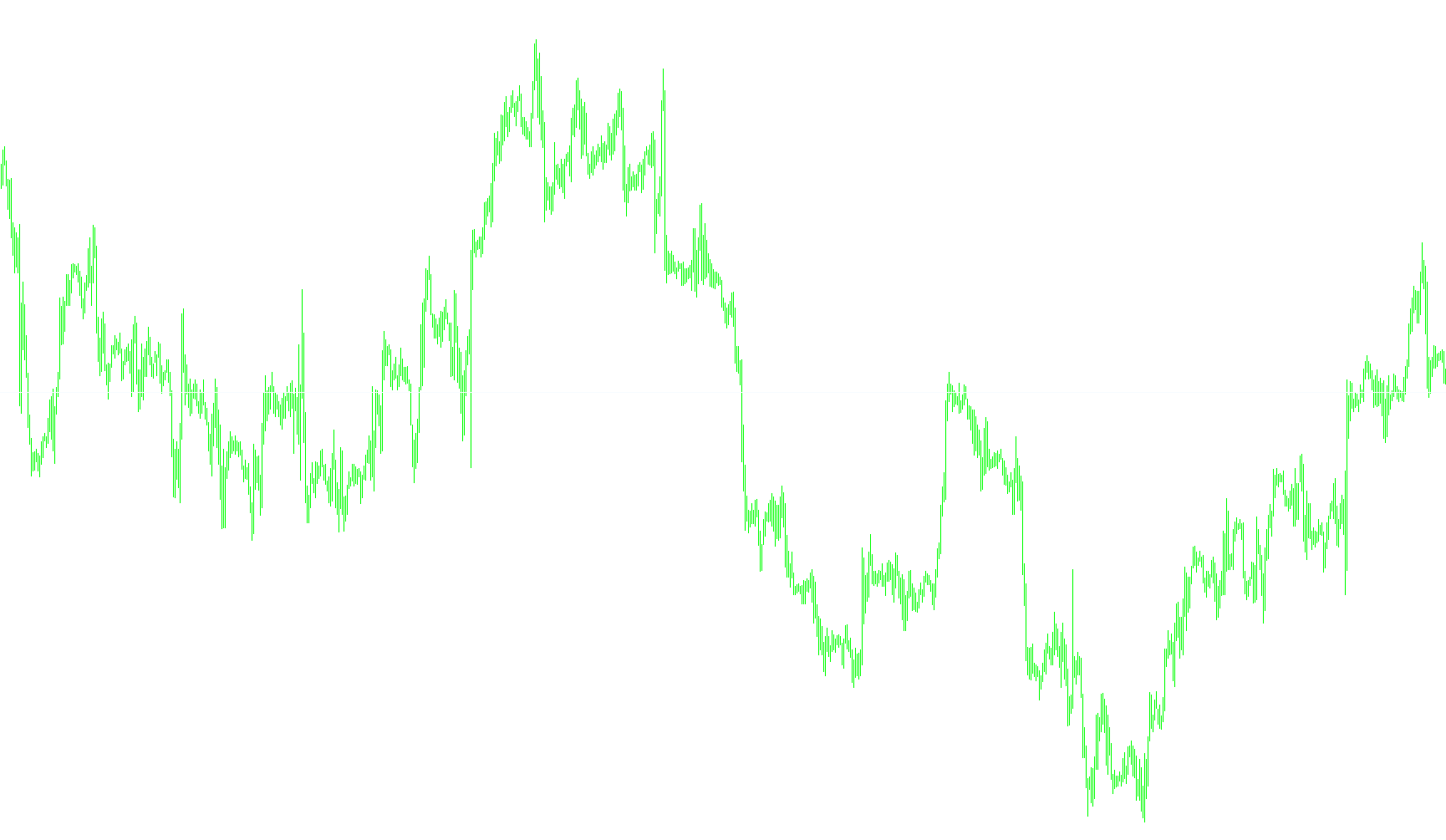
This tool is designed to act as a real-time visual and audible monitor for your trading charts. It simplifies the process of keeping track of specific price levels by automatically managing a horizontal reference line and providing instant notifications when the market price interacts with it.
Core Functionality
Dynamic Line Placement The script automatically places a horizontal line on your chart. Rather than remaining static at a single price point, the line is programmed to follow the current market price ("Bid"). This allows you to see exactly where the "live" price sits relative to the rest of the chart data at any given moment.
Customizable Visuals The script gives you full control over how this information is displayed on your screen. You can define the specific name of the line, choose its color (such as AliceBlue), and set its appearance style (such as a solid line). This ensures that the indicator remains clear and easy to distinguish from other chart elements.
Proximity Alert System The primary logic of this script is centered on a "buffer zone" notification system. Instead of waiting for the price to hit an exact decimal point—which can be difficult to catch in fast-moving markets—the script monitors a specific range (measured in Pips) around the current price.
How the Alert Triggers: The script constantly calculates the distance between the market price and your visual reference point. If the market price enters this predefined "Alert Range," the system triggers an immediate notification. This alert serves as a signal to the trader that the price has reached a zone of interest, allowing for quicker reactions to market movements.
Summary of User Experience
For a trader, this script functions as an automated "watchdog." It removes the need to manually hover over the screen to see if a price level is being approached. By combining a visible visual aid with a proactive alert system, it ensures that you are notified the moment the market enters your specified zone of interest.
//+------------------------------------------------------------------+
//|                                                  HLine Alert.mq4 |
//+------------------------------------------------------------------+
#property copyright "raff1410@o2.pl"

#property indicator_chart_window
extern string LineName="MyLine1";
extern color LineColor=AliceBlue;
extern int LineStyle=STYLE_SOLID;
extern int AlertPipRange=5;
extern string AlertWav="alert.wav";

//+------------------------------------------------------------------+
//| Custom indicator initialization function                         |
//+------------------------------------------------------------------+
int init()
  {
//---- indicators
//----
   return(0);
  }
//+------------------------------------------------------------------+
//| Custom indicator deinitialization function                       |
//+------------------------------------------------------------------+
int deinit()
  {
//----

//----
   return(0);
  }
//+------------------------------------------------------------------+
//| Custom indicator iteration function                              |
//+------------------------------------------------------------------+
int start()
  {
   int    counted_bars=IndicatorCounted();

      ObjectCreate(LineName, OBJ_HLINE, 0, 0, Bid);
      ObjectSet(LineName, OBJPROP_STYLE, LineStyle);
      ObjectSet(LineName, OBJPROP_COLOR, LineColor);

      double val =  ObjectGet( LineName, OBJPROP_PRICE1);
      if (Bid-AlertPipRange*Point <= val && Bid+AlertPipRange*Point >= val) Alert (Symbol()," ",Period()," Indicator Alert ");

//----
//----
   return(0);
  }
//+------------------------------------------------------------------+
Comments