In & Out Alert
Download script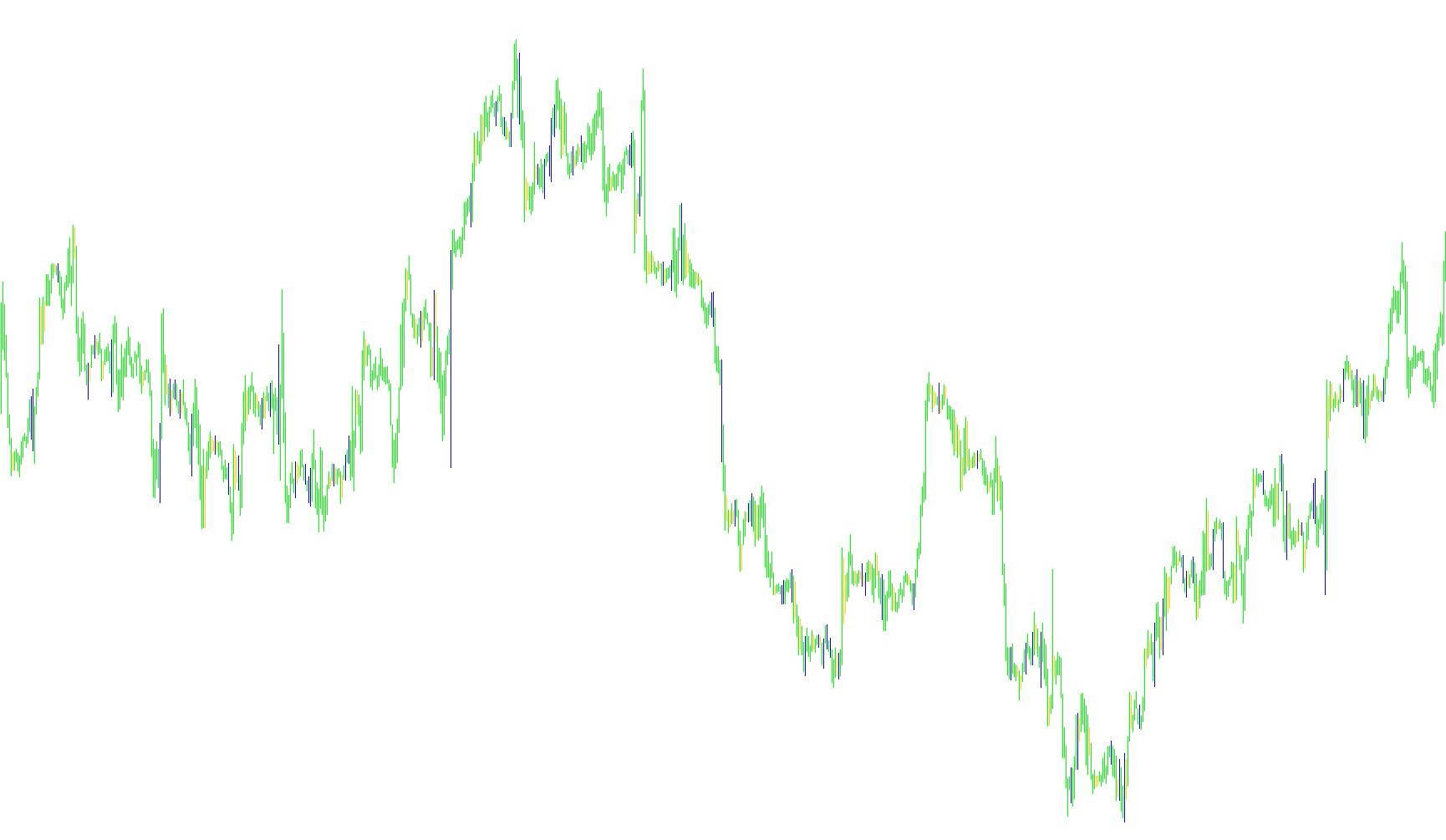
This tool is designed as a visual and notification-based indicator for MetaTrader. Its primary purpose is to scan price action history to identify specific candle patterns—specifically "In" and "Out" movements—and provide real-time alerts for the user.
Core Logic & Functionality
The script works by analyzing individual price bars (candles) in relation to the bar immediately preceding them. It focuses on three main data points: the High, Low, and Open/Close prices of these candles.
1. Pattern Identification
The script looks for two specific types of price movements:
- "Out" Patterns: The tool identifies an "Out" movement when a current candle has a higher high and a lower low than the previous candle. Essentially, it flags moments where the price expansion is moving outward in both directions compared to the preceding period.
- "In" Patterns: Conversely, it identifies an "In" movement when the current candle has a lower high and a higher low than the previous candle. This suggests a contraction or an inward movement of price action relative to the previous bar.
2. Visual Representation
When these patterns are detected, the script provides visual feedback directly on your trading chart:
- It uses two different color buffers (Blue and Red) to draw histograms.
- If you have the display options enabled, the tool will mark the specific Highs and Lows of these identified candles, allowing you to see exactly where the "In" or "Out" signals occurred on your history.
3. Alert System
To ensure you don't have to watch the charts constantly, the script includes a notification system:
- Real-Time Detection: The tool monitors the most recent price data as it forms.
- Notifications: When an "In" or "Out" pattern is triggered on a new bar, the script can trigger an alert. This allows for immediate awareness of these specific price behaviors as they happen in live market conditions.
4. Timeframe Awareness
The logic is designed to be versatile. It automatically recognizes various timeframes (ranging from 1-minute charts to monthly charts), ensuring that the "In" and "Out" calculations remain consistent regardless of which period you are currently viewing.
Summary for the User
In short, this tool acts as an automated scanner. It watches the market for specific "expansion" (Out) or "contraction" (In) behaviors in price candles. When it finds them, it highlights them visually on your chart and sends you a notification so you can react to these price movements instantly.
//+------------------------------------------------------------------+
//|                                               In & Out Alert.mq4 |
//|                                                 Copyright © 2008 |
//|                                                                  |
//+------------------------------------------------------------------+
#property copyright "Copyright © 2008"
#property link      ""


#property indicator_chart_window
#property indicator_buffers 2
#property indicator_color1 Blue
#property indicator_color2 Red

extern bool Show_Alert = true;
extern bool Display_Out = true;
extern bool Display_In = true;

//---- buffers
double val1[];
double val2[];


//+------------------------------------------------------------------+
//| Custom indicator initialization function                         |
//+------------------------------------------------------------------+
int init()
  {

//---- indicator line
   IndicatorBuffers(3);
   SetIndexStyle(0,DRAW_HISTOGRAM,0,1);
   SetIndexStyle(1,DRAW_HISTOGRAM,0,1);
   SetIndexBuffer(0,val1);
   SetIndexBuffer(1,val2);

//----
   return(0);
  }
//+------------------------------------------------------------------+
//| Custom indicator deinitialization function                       |
//+------------------------------------------------------------------+
int deinit()
  {
//----

//----
   return(0);
  }
//+------------------------------------------------------------------+
//| Custom indicator iteration function                              |
//+------------------------------------------------------------------+
int start()
{
int counted_bars=IndicatorCounted();
//----


double Range, AvgRange;
int counter, setalert;
static datetime prevtime = 0;
int shift;
int shift1;
int shift2;
int shift3;
string pattern, period;
int setPattern = 0;
int alert = 0;
double O, O1, C, C1, L, L1, H, H1;

if(prevtime == Time[0]) {
return(0);
}
prevtime = Time[0];

switch (Period()) {
case 1:
period = "M1";
break;
case 5:
period = "M5";
break;
case 15:
period = "M15";
break;
case 30:
period = "M30";
break;
case 60:
period = "H1";
break;
case 240:
period = "H4";
break;
case 1440:
period = "D1";
break;
case 10080:
period = "W1";
break;
case 43200:
period = "MN";
break;
}

for (int j = 0; j < Bars; j++) {

}

for (shift = 0; shift < Bars; shift++) {

setalert = 0;
counter=shift;
Range=0;
AvgRange=0;
for (counter=shift ;counter<=shift+9;counter++) {
AvgRange=AvgRange+MathAbs(High[counter]-Low[counter]);
}
Range=AvgRange/9;
shift1 = shift ;
shift2 = shift + 1;

O = Open[shift1];
O1 = Open[shift2];
H = High[shift1];
H1 = High[shift2];
L = Low[shift1];
L1 = Low[shift2];
C = Close[shift1];
C1 = Close[shift2];


// Check for Out pattern
if ((H>H1)&&(L<L1)) {
if (Display_Out == true)
{
val1[shift]=Low[shift]; val2[shift]=High[shift];
}


if (setalert == 0 && Show_Alert == true) {
pattern = "Out";
setalert = 1;
}
}

// Check for In pattern
if ((H<H1)&&(L>L1)) {
if (Display_In == true) {

{
val1[shift]=High[shift]; val2[shift]=Low[shift];

}
if (setalert == 0 && Show_Alert == true) {
pattern="In";
setalert = 1;
}
}

}
} // End of for loop
//----
return(0);
}

//+------------------------------------------------------------------+
Comments