Price_Line_Alert
Download script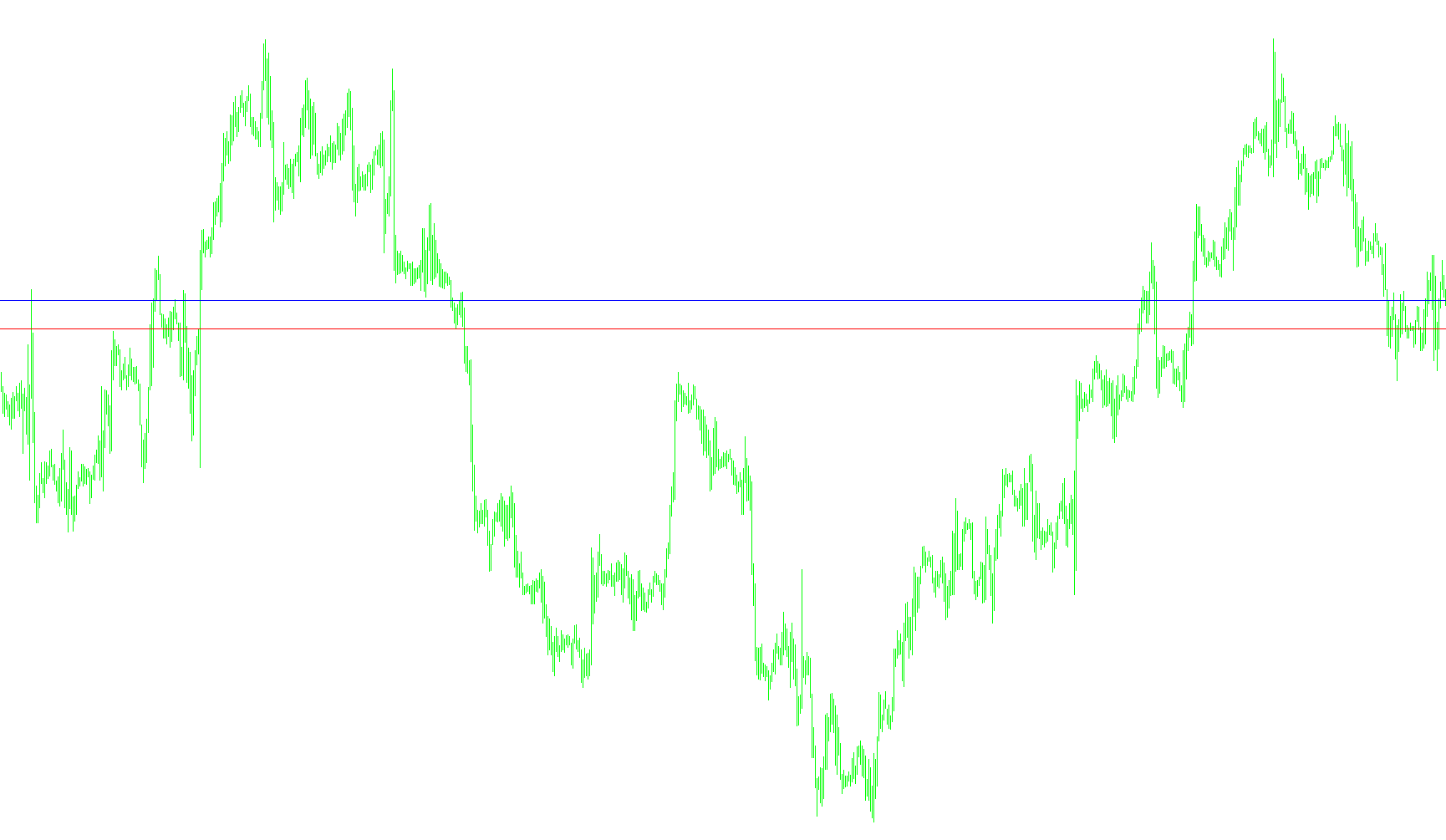
This tool is designed to provide visual and auditory cues on your trading chart by automatically placing specific price lines based on the current market spread. Its primary purpose is to highlight key zones and alert you when the market price interacts with these levels.
How the Logic Works
1. Automated Line Placement The script automatically generates two distinct horizontal lines on your chart: a "Buy Line" and a "Sell Line." Rather than requiring you to draw these manually, the tool calculates their positions dynamically based on the current difference between the asking price (what you pay to buy) and the bidding price (what you receive when selling).
2. Visual Customization The tool allows you to personalize the appearance of these lines. You can toggle them on or off individually, choose specific colors (such as Blue for Buy and Red for Sell), and select different line styles (like solid or dashed) to ensure they are clearly visible against your background.
3. Proximity Alerts One of the key features of this script is its automated alert system. Instead of just showing a line, the tool monitors how close the current market price is to those lines.
- It tracks the "distance" in pips.
- When the market price moves within a specific range of either the Buy or Sell line, the script triggers an immediate audio notification.
4. Summary of User Experience For a trader, this means having a live-updating visual guide that reacts to the market spread. It removes the need for manual calculation and provides an instant "audio ping" whenever the price enters your designated zone of interest, helping you stay aware of critical price movements without constantly staring at every tick.
//+----------------------------------------------------------------+
//|                                           Price_Line_Alert.mq4 |
//+----------------------------------------------------------------+
#property copyright "forexuser"

#property indicator_chart_window
extern bool   ShowBuyLine = true;
extern bool   ShowSellLine = true;
extern string BUY_OPTIONS = "###-BUY LINE SETTINGS-###";
extern string BuyLineName="MyBuyLine";
extern color BuyLineColor=Blue;
extern int BuyLineStyle=STYLE_SOLID;
extern int BuyAlert_Pip_Distance=2;
extern string BuyAlertWav="BuyAlertLine.wav";
extern string SELL_OPTIONS = "###-SELL LINE SETTINGS-###";
extern string SellLineName="MySellLine";
extern color SellLineColor=Red;
extern int SellLineStyle=STYLE_SOLID;
extern int SellAlert_Pip_Distance=2;
extern string SellAlertWav="SellAlertLine.wav";


int init()
  {

   return(0);
  }

int deinit()
  {

   return(0);
  }

int start()
  {
   int    counted_bars=IndicatorCounted();

      ObjectCreate(BuyLineName, OBJ_HLINE, 0, 0, Ask+(Ask-Bid));
      ObjectSet(BuyLineName, OBJPROP_STYLE, BuyLineStyle);
      ObjectSet(BuyLineName, OBJPROP_COLOR, BuyLineColor);

      double BuyValue =  ObjectGet( BuyLineName, OBJPROP_PRICE1);
      if (Bid-BuyAlert_Pip_Distance*Point <= BuyValue && Bid+BuyAlert_Pip_Distance*Point >= BuyValue)
      PlaySound(BuyAlertWav);

      ObjectCreate(SellLineName, OBJ_HLINE, 0, 0, Bid-(Ask-Bid));
      ObjectSet(SellLineName, OBJPROP_STYLE, SellLineStyle);
      ObjectSet(SellLineName, OBJPROP_COLOR, SellLineColor);

      double SellValue =  ObjectGet( SellLineName, OBJPROP_PRICE1);
      if (Bid-SellAlert_Pip_Distance*Point <= SellValue && Bid+SellAlert_Pip_Distance*Point >= SellValue)
      PlaySound(SellAlertWav);

   return(0);
  }
Comments