r-squared
Download script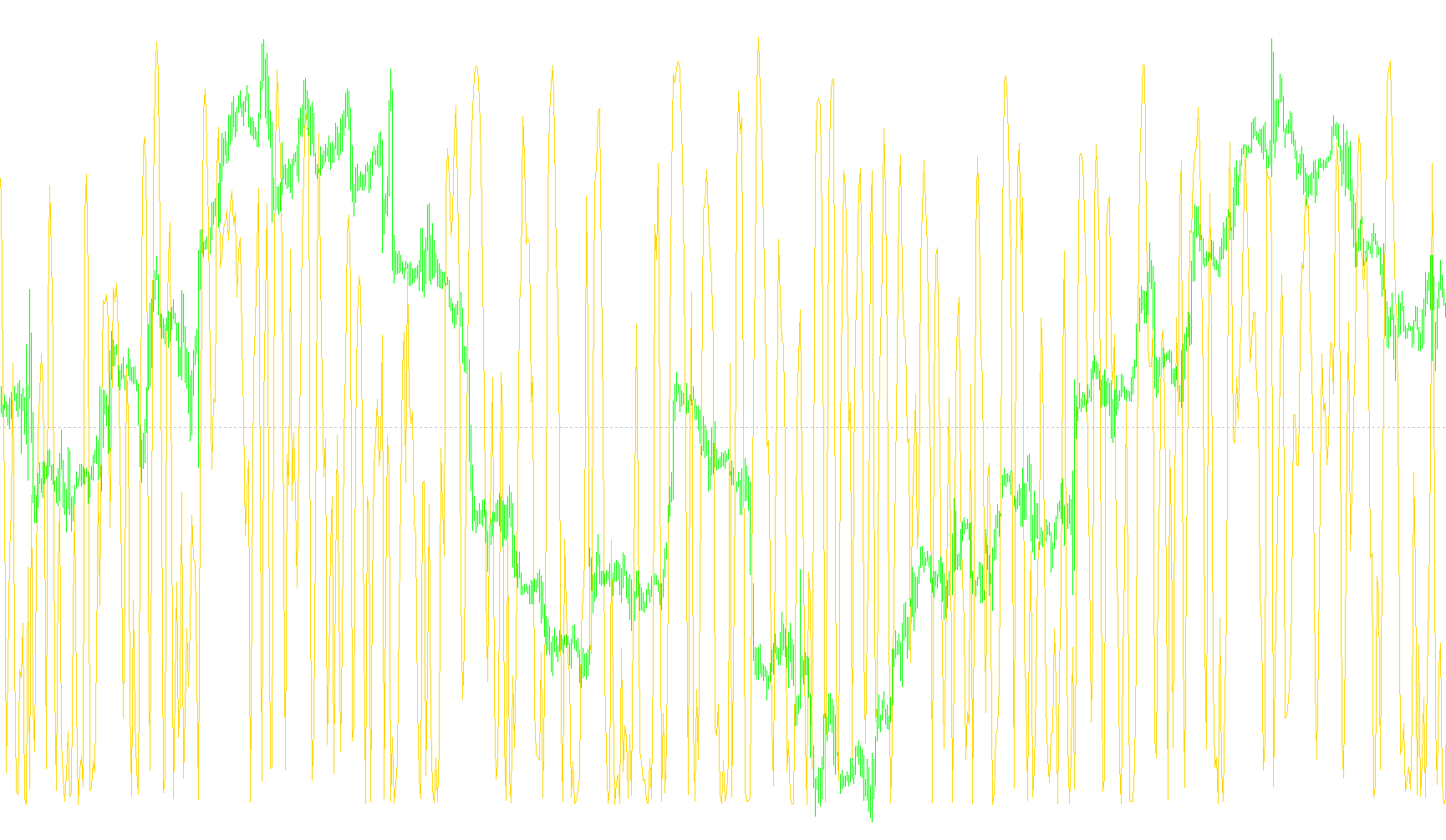
This indicator is designed to measure the statistical "strength" or reliability of a price trend. In simple terms, it tells you how closely the actual movement of a market price follows a straight line over a specific period of time.
How it Works
The tool uses a mathematical concept called Linear Regression. Imagine drawing a straight line through a series of data points; if the prices are moving in a very steady, predictable direction, the dots will sit very close to that line. If the price is jumping around erratically or moving sideways, the dots will be scattered far away from the line.
The R-Squared value provided by this script measures this relationship:
- Values close to 1.0: Indicate a perfect correlation. The market is moving in a very consistent, predictable linear trend.
- Values close to 0.0: Indicate a poor correlation. The market is noisy, volatile, or lacks a clear linear direction.
Key Features
- Adjustable Period: You can set the "RSQPeriod" to look at different timeframes. A shorter period reacts quickly to recent price changes, while a longer period provides a broader view of the trend's stability.
- Dynamic Thresholds: The script includes a built-in logic system that calculates "critical values." Because a "strong" trend over 5 bars requires much higher consistency than a trend over 120 bars, the indicator automatically adjusts its benchmarks based on your chosen period.
- Visual Aids: The indicator provides horizontal levels (specifically marked at 0.2 and 0.8) to help you quickly identify when a trend is moving from "weak" to "strong."
Practical Application
This tool is primarily used to determine statistical significance. Rather than just seeing that a price is going up, it helps you see if that upward movement is actually a reliable trend or just random noise.
For example:
- Trend Confirmation: If the R-Squared value is high (close to 1.0), it suggests the current trend is very stable and likely to continue in its current direction.
- Trend Exhaustion: If you see a very strong trend (high R-Squared) starting to drop significantly, it can be interpreted as a sign that the current move is losing its momentum and may be reaching an exhaustion point, potentially signaling a reversal.
//+------------------------------------------------------------------+
//| r-squared indicator
//| by Onur Sirek
//+------------------------------------------------------------------+
#property copyright "Onur Sirek"
#property link      "melihonurs@gmail.com"

#property indicator_separate_window
#property indicator_minimum 0
#property indicator_maximum 1
#property indicator_buffers 1
#property indicator_color1 Red
#property indicator_level1 0.2
#property indicator_level2 0.8

extern int    RSQPeriod=9;
double RSQBuffer[];

int init()
{
   string short_name;
   SetIndexStyle(0,DRAW_LINE);
   SetIndexBuffer(0,RSQBuffer);
   short_name="r-squared("+RSQPeriod+")";
   IndicatorShortName(short_name);
   SetIndexLabel(0,short_name);
   SetIndexDrawBegin(0,RSQPeriod);
   SetLevelValue(0,calcLevel(RSQPeriod));
   return(0);
}

int start()
{
   int i,k, start;
   int counted_bars=IndicatorCounted();

   if ((RSQPeriod<2) || (Bars<RSQPeriod)) return(0);
   start=Bars-RSQPeriod-1;
   if(counted_bars>RSQPeriod) start=Bars-counted_bars-1;

   for (i=start; i>=0; i--) {
      RSQBuffer[i] = RSquared(RSQPeriod,i);
   }

   return(0);
}

double calcLevel(double per)
{
   double per1,lev1, lenper, levdif;
   if (per<=5) return(0.77);
   if ((per>5) && (per<=10))  { per1=5;  lev1=0.77; lenper=5; levdif=0.37; }
   if ((per>10) && (per<=14)) { per1=10; lev1=0.40; lenper=4; levdif=0.13; }
   if ((per>14) && (per<=20)) { per1=14; lev1=0.27; lenper=6; levdif=0.07; }
   if ((per>20) && (per<=25)) { per1=20; lev1=0.20; lenper=5; levdif=0.04; }
   if ((per>25) && (per<=30)) { per1=25; lev1=0.16; lenper=5; levdif=0.03; }
   if ((per>30) && (per<=50)) { per1=30; lev1=0.13; lenper=20; levdif=0.05; }
   if ((per>50) && (per<=60)) { per1=50; lev1=0.08; lenper=10; levdif=0.02; }
   if ((per>60) && (per<=120)) { per1=60; lev1=0.06; lenper=60; levdif=0.03; }
   if (per>120) return(0.03);
   return(lev1 - (per-per1)*(levdif/lenper));
}

// r-squared shows the correlation with its linear regression line
// values close to 1.0 show perfect relation
// values close to 0.0 show poor relation
// See Metastock Help
// To determine if the trend is statistically significant for a given x-period linear regression line,
// plot the r-squared indicator and refer to the following table.  This table shows the values of
// r-squared required for a 95% confidence level at various time periods.  If the r-squared value
// is less than the critical values shown, you should assume that prices show no statistically
// significant trend.
// Number ofPeriods	r-squaredCritical Value(95%confidence)
//       5                 0.77
//       10                0.40
//       14	               0.27
//       20	               0.20
//       25	               0.16
//       30	               0.13
//       50	               0.08
//       60	               0.06
//       120               0.03
// You may even consider opening a short-term position opposite the prevailing trend when you
// observe r-squared rounding off at extreme levels.  For example, if the slope is positive and
// r-squared is above 0.80 and begins to turn down, you may consider selling or opening a short position.
// There are numerous ways to use the linear regression outputs of r-squared and Slope in trading
// systems.  For more detailed coverage, refer to the book The New Technical Trader by Tushar Chande
// and Stanley Kroll.
double RSquared(int per, int shift)
{
   int i;
   double x, y, div;
   double Ex=0.0, Ey=0.0, Exy=0.0, Ex2=0.0, Ey2=0.0;
   double Ex22, Ey22;
   double r;
   for (i=1; i<=per; i++) {
      x = i;               // x axis value
      y = Close[shift+i];  // y axis value
      Ex  += x;
      Ey  += y;
      Exy += x*y;
      Ex2 += MathPow(x,2);
      Ey2 += MathPow(y,2);
   }
   Ex22=MathPow(Ex,2);
   Ey22=MathPow(Ey,2);
   //slope = (per*Exy-Ex*Ey) / (per*Ex2-Ex22);  // slope of regression line
   //b = (Ey-slope*Ex)/per;
   div = MathSqrt((per*Ex2-Ex22)*(per*Ey2-Ey22));
   if (div==0) return(0);
   r = (per*Exy-Ex*Ey) / div;
   return(MathPow(r,2));
}
Comments