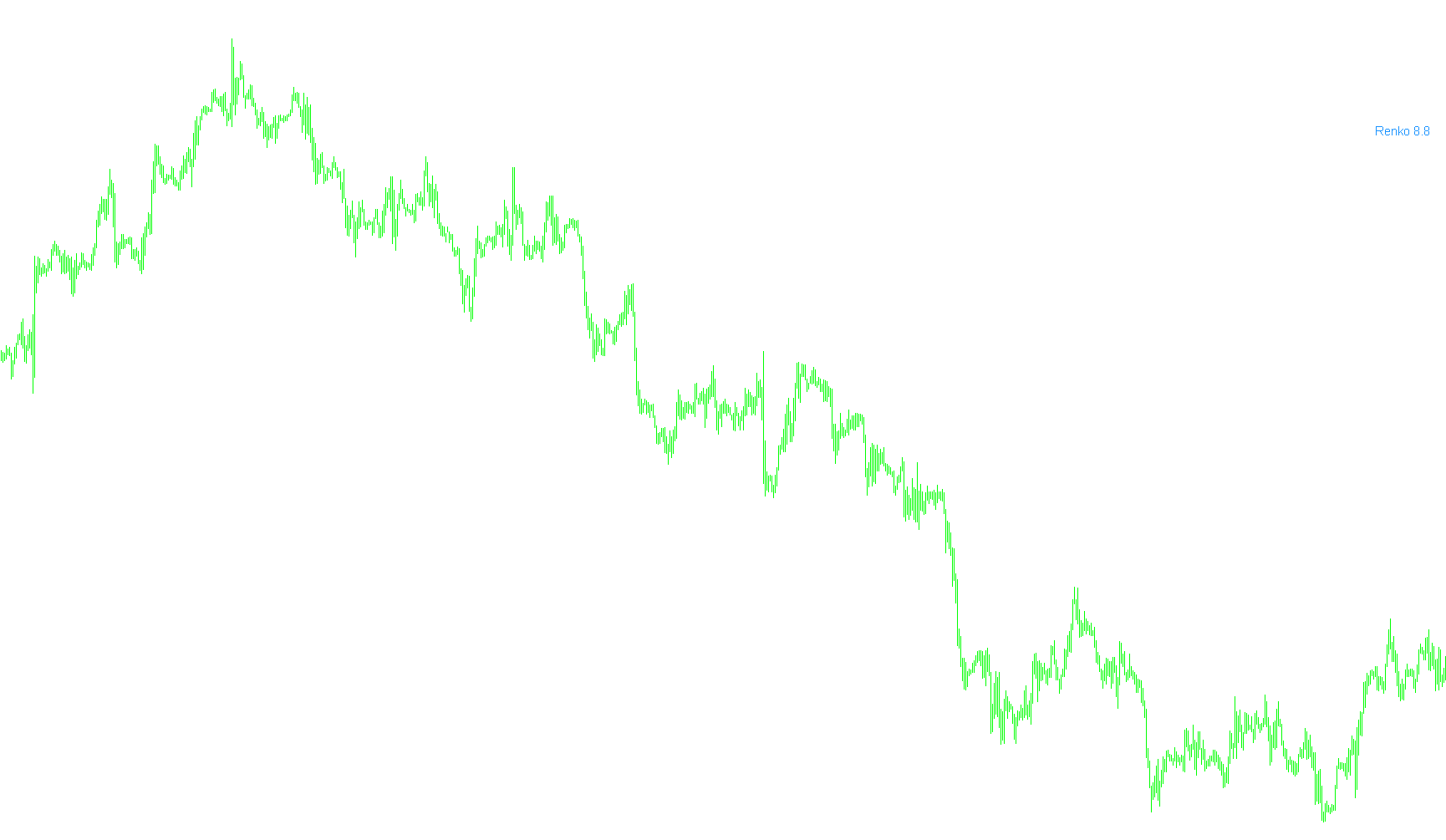
This tool is designed to work within the MetaTrader platform to provide traders with a real-time visual display of Renko price movements directly on their charts. Instead of requiring the user to look at complex raw data, it simplifies the information by calculating and displaying a specific "Renko Range" value as a clear text label.
Core Functionality
The primary purpose of this script is to monitor the price action of the previous candle and calculate the magnitude of its movement. It specifically focuses on the difference between the opening price and the closing price, converting that data into a standardized unit that is easy for a human to read at a glance.
How it Works
- Automatic Price Scaling: The script automatically detects the precision of the asset you are trading (for example, whether it is a currency pair with 5 digits or a commodity with 3 digits). It adjusts its internal calculations based on these decimals to ensure the information displayed remains accurate regardless of the market.
- Real-Time Calculation: Every time the market moves (every "tick"), the script performs a calculation to determine the absolute difference between the previous candle's open and close. It then rounds this figure to a clean, readable number.
- Visual Display: Once the calculation is complete, the script dynamically updates a text label on your screen. This label shows the word "Renko" followed by the calculated range value.
User Experience & Customization
To ensure the tool fits perfectly into your trading workspace, it includes several customizable visual settings:
- Appearance: You can choose the color of the text, the size of the font, and whether the text should be bold or regular.
- Positioning: The script allows you to define exactly where on the screen the information should appear by adjusting the horizontal and vertical distances from the corner of your chart.
In summary, this script acts as a dedicated information dashboard. It takes the underlying math of Renko price movements and translates it into a simple, customizable text display, allowing you to monitor specific price ranges without having to perform manual calculations.
//+------------------------------------------------------------------+
//|                                                          RRD.mq4 |
//|                        Copyright 2016, MetaQuotes Software Corp. |
//|                                             https://www.mql5.com |
//+------------------------------------------------------------------+
#property copyright "Copyright © 2012, File45"
#property link      "http://codebase.mql4.com/en/author/file45"
#property version   "1.00"
#property strict
#property indicator_chart_window

extern string Text = "Renko";
extern color Font_Color = DodgerBlue;
extern int Font_Size = 11;
extern bool Font_Bold = true;
extern int Left_Right = 25;
extern int Up_Down = 150;
extern int Corner = 1;

string The_Font;
double Pointz;
//+------------------------------------------------------------------+
//| Custom indicator initialization function                         |
//+------------------------------------------------------------------+
int OnInit()
  {
   Pointz=Point;
// 1, 3 & 5 digits pricing
   if(Point==0.1) Pointz=1;
   if((Point==0.00001) || (Point==0.001)) Pointz*=10;

   if(Font_Bold==true)
     {
      The_Font="Arial Bold";
     }
   else
     {
      The_Font="Arial";
     }

   return(INIT_SUCCEEDED);
  }
//+------------------------------------------------------------------+
//| Deinit
//+------------------------------------------------------------------+
void OnDeinit(const int reason)
  {
   ObjectDelete("RNK");
//ObjectDelete(name_rnk);
  }
//+------------------------------------------------------------------+
//| Custom indicator iteration function                              |
//+------------------------------------------------------------------+
int OnCalculate(const int rates_total,
                const int prev_calculated,
                const datetime &time[],
                const double &open[],
                const double &high[],
                const double &low[],
                const double &close[],
                const long &tick_volume[],
                const long &volume[],
                const int &spread[])
  {
   string name_rnk,Renko_Range;
   name_rnk="RNK";
   Renko_Range=DoubleToStr(MathAbs((Open[1]-Close[1])/Pointz),1);

   if(ObjectFind(name_rnk)!=-1) ObjectDelete(name_rnk);
   ObjectCreate(0,name_rnk,OBJ_LABEL,0,0,0);
   ObjectSetText(name_rnk,Text+" "+Renko_Range,Font_Size,The_Font,Font_Color);
   ObjectCreate(name_rnk,OBJ_LABEL,0,0,0);
   ObjectSet(name_rnk,OBJPROP_CORNER,1);
   ObjectSet(name_rnk,OBJPROP_XDISTANCE,Left_Right);
   ObjectSet(name_rnk,OBJPROP_YDISTANCE,Up_Down);//}

   return(rates_total);
  }
//+------------------------------------------------------------------+
Comments