Var Mov Avg2
Download script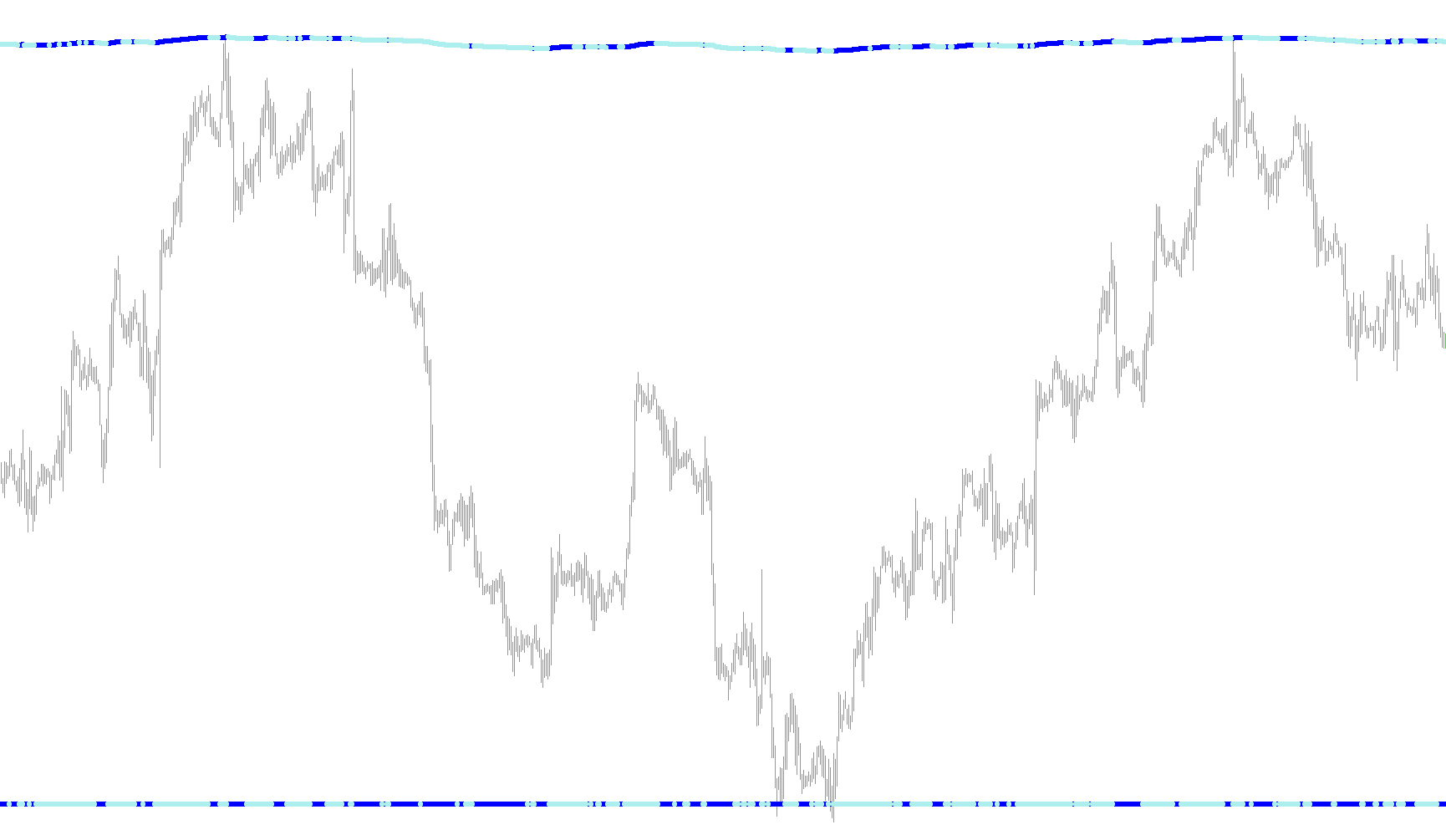
This technical script is designed to help traders identify market trends and potential entry points by utilizing a sophisticated moving average calculation. Unlike standard moving averages that simply average past prices, this tool employs a dynamic logic that adjusts based on market "noise" and volatility.
Core Logic Overview
The primary function of the script is to create a smooth trend line (the AMA) that reacts intelligently to price action. It achieves this through several key steps:
1. Volatility and Noise Analysis Instead of looking only at the current price, the script calculates a "noise" factor. It examines the price fluctuations over a specific period to determine how much the market is vibrating or reacting erratically. By understanding this noise, the indicator can distinguish between meaningful trend movements and minor, insignificant price flickers.
2. Signal Strength Calculation The script measures the distance between the current price and the price from a set number of bars ago. It then compares this "signal" against the "noise" mentioned above. This creates a ratio that tells the script how significant a move actually is:
- If the move is large relative to the noise, it is treated as a strong trend signal.
- If the move is small compared to the noise, the indicator remains more stable to avoid providing false signals.
3. Adaptive Smoothing The script uses two different smoothing coefficients (fast and slow). The difference between these two values helps determine how aggressively the indicator should follow the price. The final output—the AMA line—is calculated by balancing the current price against the previous smoothed value, modified by the signal strength and noise levels. This allows the line to stay "flat" during choppy markets and curve more sharply when a real trend begins.
Visual Signals
Beyond drawing the main trend line, the script provides automated visual cues for potential trading opportunities:
- Upward Signals: When the smoothed line moves upward with enough momentum to exceed a specific threshold, the script identifies an "Up Signal." This is designed to highlight potential buying opportunities where the trend is gaining strength.
- Downward Signals: Conversely, if the line moves downward beyond that same threshold, it marks a "Down Signal," highlighting potential selling opportunities as the trend weakens.
Summary for the User
In essence, this tool acts as a sophisticated filter. It ignores the "messy" movements of the market to provide a clean view of the prevailing trend. By calculating the relationship between price movement and market noise, it attempts to provide a smoother, more reliable path than standard indicators, marking specific points where the trend's momentum becomes significant enough to notice.
//+------------------------------------------------------------------+
//|                                                   AMA&AMAsig.mq4 |
//+------------------------------------------------------------------+
#property copyright "Copyright © 2004, by GOODMAN & Mstera è AF "

#property indicator_separate_window
#property indicator_buffers 2
#property indicator_color2 Green
#property indicator_color3 Red

//---- input parameters
extern int       periodAMA=50;
extern int       nfast=15;
extern int       nslow=10;
extern double    G=1.0;
extern double    dK=0.1;

//---- buffers
double kAMAbuffer[];
double kAMAupsig[];
double kAMAdownsig[];

//+------------------------------------------------------------------+

int    cbars=0, prevbars=0, prevtime=0;

double slowSC,fastSC;

//+------------------------------------------------------------------+
//| Custom indicator initialization function                         |
//+------------------------------------------------------------------+
int init()
  {
//---- indicators
   SetIndexStyle(0,DRAW_LINE,0,2);
   SetIndexStyle(1,DRAW_ARROW,STYLE_SOLID, 2);
   SetIndexArrow(1,159);
   SetIndexStyle(2,DRAW_ARROW,STYLE_SOLID, 2);
   SetIndexArrow(2,159);
   //SetIndexDrawBegin(0,nslow+nfast);
   SetIndexBuffer(0,kAMAbuffer);
   SetIndexBuffer(1,kAMAupsig);
   SetIndexBuffer(2,kAMAdownsig);


   IndicatorDigits(4);

   //slowSC=0.064516;
   //fastSC=0.2;
   //cbars=IndicatorCounted();
//----
   return(0);
  }
//+------------------------------------------------------------------+
//| Custom indicator deinitialization function                       |
//+------------------------------------------------------------------+
int deinit()
  {
   return(0);
  }
//+------------------------------------------------------------------+
//| Custom indicator iteration function                              |
//+------------------------------------------------------------------+
int start()
  {
   int    i,pos=0;
   double noise=0.000000001,AMA,AMA0,signal,ER;
   double dSC,ERSC,SSC,ddK;

   if (prevbars==Bars) return(0);

//---- TODO: add your code here
   slowSC=(2.0 /(nslow+1));
   fastSC=(2.0 /(nfast+1));
   cbars=IndicatorCounted();
   if (Bars<=(periodAMA+2)) return(0);
//---- check for possible errors
   if (cbars<0) return(-1);
//---- last counted bar will be recounted
   if (cbars>0) cbars--;
   pos=Bars-periodAMA-2;
   AMA0=Close[pos+1];
   while (pos>=0)
     {
      if(pos==Bars-periodAMA-2) AMA0=Close[pos+1];
      signal=MathAbs(Close[pos]-Close[pos+periodAMA]);
      noise=0.000000001;
      for(i=0;i<periodAMA;i++)
       {
        noise=noise+MathAbs(Close[pos+i]-Close[pos+i+1]);
       }
      ER =signal/noise;
      dSC=(fastSC-slowSC);
      ERSC=ER*dSC;
      SSC=ERSC+slowSC;
      AMA=AMA0+(MathPow(SSC,G)*(Close[pos]-AMA0));
      kAMAbuffer[pos]=AMA;

      ddK=(AMA-AMA0);
      if ((MathAbs(ddK)) > (dK*Point) && (ddK > 0)) kAMAupsig[pos] =AMA; else kAMAupsig[pos]=0;
      if ((MathAbs(ddK)) > (dK*Point) && (ddK < 0)) kAMAdownsig[pos]=AMA; else kAMAdownsig[pos]=0;


      AMA0=AMA;
      pos--;
     }
//----
   prevbars=Bars;
   return(0);
  }
Comments