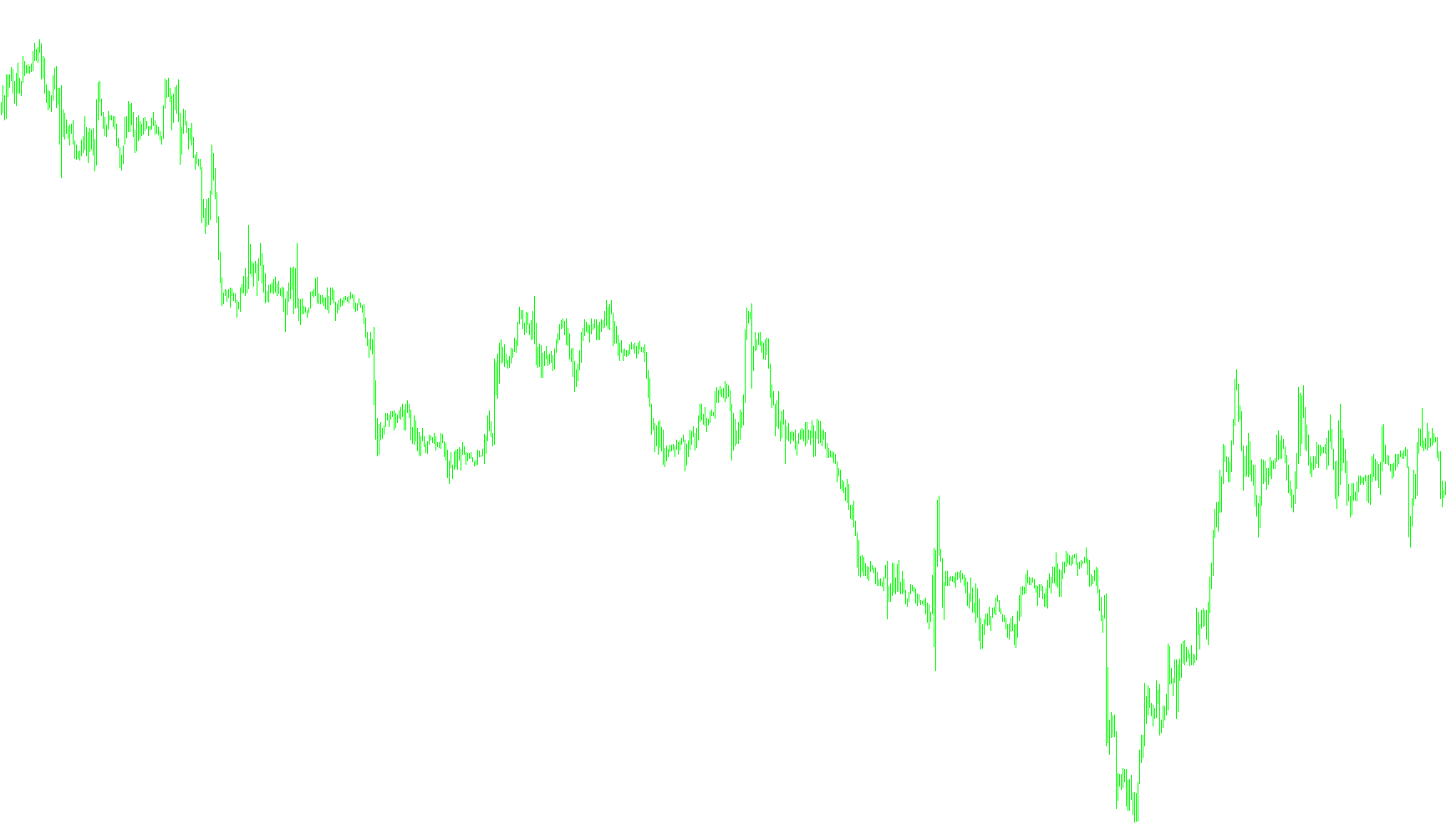
This script is designed to enhance your trading chart by visually segmenting the market into specific time blocks. It automatically identifies and draws colored boxes over your price history, allowing you to clearly see which periods of the day correspond to different market sessions (such as the Asian, London, or New York sessions).
How the Logic Works
1. Customizable Session Management The tool is built around a multi-session framework. It allows you to define up to six distinct time windows per day. For each session, you can customize:
- Start and End Times: The exact hours and minutes when a session begins and closes.
- Visual Colors: Unique colors for each session to help you instantly distinguish between different global markets or trading environments at a glance.
2. Automated Visual Mapping Instead of requiring you to manually draw lines or rectangles on your chart, the script performs the following automated steps:
- Scanning History: It looks back over a specific number of days (user-defined) to map out where these sessions occurred in the past.
- Price Range Detection: For every time window you define, the script automatically calculates the highest and lowest prices reached during that specific period.
- Box Rendering: It then draws a solid rectangle that covers the entire price action of that session. These boxes are placed in the background of your chart, ensuring they don't clutter your technical analysis or candle visibility.
3. Intelligent Date Handling To ensure the visual boxes appear correctly across different months and years, the script includes internal logic to handle calendar complexities. It automatically recognizes:
- Different month lengths (e.g., 30 vs. 31 days).
- Leap year adjustments for February.
- The transition between years.
- Market holidays/weekends (skipping Saturdays and Sundays) to ensure the boxes align perfectly with actual trading days.
4. Dynamic Updates The script is designed to refresh and stay accurate as time progresses. When you load the chart, it initializes the environment by clearing old markings and drawing the new session boxes based on your preferences, providing a clean and organized visual workspace for your trading strategy.
//+------------------------------------------------------------------+
//|                                                        times.mq4 |
//|                                                                  |
//|               Made/Modified by sh _j .                           |
//|                                                                  |
//|  tweaked by Accrete to generalize session names/code and add     |
//|  a fourth session box   www.accrete.com                          |
//+------------------------------------------------------------------+
#property copyright "Morning Star"
#property link      "http://Grand Forex.ir"

#property indicator_chart_window


extern int    NumberOfDays = 50;
extern string Session1start    = "00:00";
extern string Session1end      = "08:59";
extern color  Session1color    = DimGray;
extern string Session2start     = "09:00";
extern string Session2end       = "09:59";
extern color  Session2color     = DodgerBlue;//DarkGray
extern string Session3start     = "10:00";
extern string Session3end       = "11:59";
extern color  Session3color     = DodgerBlue;
extern string Session4start     = "14:00";
extern string Session4end       = "14:59";
extern color  Session4color     = DarkGray;
extern string Session5start     = "15:00";
extern string Session5end       = "18:59";
extern color  Session5color     = DarkGray;
extern string Session6start     = "23:00";//last hour of NY session
extern string Session6end       = "23:59";
extern color  Session6color     = DimGray;

//+------------------------------------------------------------------+
//| CSession3tom indicator initialization function                         |
//+------------------------------------------------------------------+
void init() {
  DeleteObjects();
  for (int i=0; i<NumberOfDays; i++) {
    CreateObjects("Session1"+i, Session1color);
    CreateObjects("Session2"+i, Session2color);
    CreateObjects("Session3"+i, Session3color);
    CreateObjects("Session4"+i, Session4color);
    CreateObjects("Session5"+i, Session5color);
    CreateObjects("Session6"+i, Session6color);
  }
  Comment("");
}

//+------------------------------------------------------------------+
//| CSession3tor indicator deinitialization function                       |
//+------------------------------------------------------------------+
void deinit() {
  DeleteObjects();
  Comment("");
}


void CreateObjects(string no, color cl) {
  ObjectCreate(no, OBJ_RECTANGLE, 0, 0,0, 0,0);
  ObjectSet(no, OBJPROP_STYLE, STYLE_SOLID);
  ObjectSet(no, OBJPROP_COLOR, cl);
  ObjectSet(no, OBJPROP_BACK, True);
}

//+------------------------------------------------------------------+
//| Óäàëåíèå îáúåêòîâ èíäèêàòîðà                                     |
//+------------------------------------------------------------------+
void DeleteObjects() {
  for (int i=0; i<NumberOfDays; i++) {
    ObjectDelete("Session1"+i);
    ObjectDelete("Session2"+i);
    ObjectDelete("Session3"+i);
    ObjectDelete("Session4"+i);
    ObjectDelete("Session5"+i);
    ObjectDelete("Session6"+i);
  }
}

//+------------------------------------------------------------------+
//| CSession3tom indicator iteration function                              |
//+------------------------------------------------------------------+
void start() {
  datetime dt=CurTime();

  for (int i=0; i<NumberOfDays; i++) {
    DrawObjects(dt, "Session1"+i, Session1start, Session1end);
    DrawObjects(dt, "Session2"+i, Session2start, Session2end);
    DrawObjects(dt, "Session3"+i, Session3start, Session3end);
    DrawObjects(dt, "Session4"+i, Session4start, Session4end);
    DrawObjects(dt, "Session5"+i, Session5start, Session5end);
    DrawObjects(dt, "Session6"+i, Session6start, Session6end);
    dt=decDateTradeDay(dt);
    while (TimeDayOfWeek(dt)>5) dt=decDateTradeDay(dt);
  }
}


void DrawObjects(datetime dt, string no, string tb, string te) {
  datetime t1, t2;
  double   p1, p2;
  int      b1, b2;

  t1=StrToTime(TimeToStr(dt, TIME_DATE)+" "+tb);
  t2=StrToTime(TimeToStr(dt, TIME_DATE)+" "+te);
  b1=iBarShift(NULL, 0, t1);
  b2=iBarShift(NULL, 0, t2);
  p1=High[Highest(NULL, 0, MODE_HIGH, b1-b2, b2)];
  p2=Low [Lowest (NULL, 0, MODE_LOW , b1-b2, b2)];
  ObjectSet(no, OBJPROP_TIME1 , t1);
  ObjectSet(no, OBJPROP_PRICE1, p1);
  ObjectSet(no, OBJPROP_TIME2 , t2);
  ObjectSet(no, OBJPROP_PRICE2, p2);
}


datetime decDateTradeDay (datetime dt) {
  int ty=TimeYear(dt);
  int tm=TimeMonth(dt);
  int td=TimeDay(dt);
  int th=TimeHour(dt);
  int ti=TimeMinute(dt);

  td--;
  if (td==0) {
    tm--;
    if (tm==0) {
      ty--;
      tm=12;
    }
    if (tm==1 || tm==3 || tm==5 || tm==7 || tm==8 || tm==10 || tm==12) td=31;
    if (tm==2) if (MathMod(ty, 4)==0) td=29; else td=28;
    if (tm==4 || tm==6 || tm==9 || tm==11) td=30;
  }
  return(StrToTime(ty+"."+tm+"."+td+" "+th+":"+ti));
}
//+------------------------------------------------------------------+
Comments