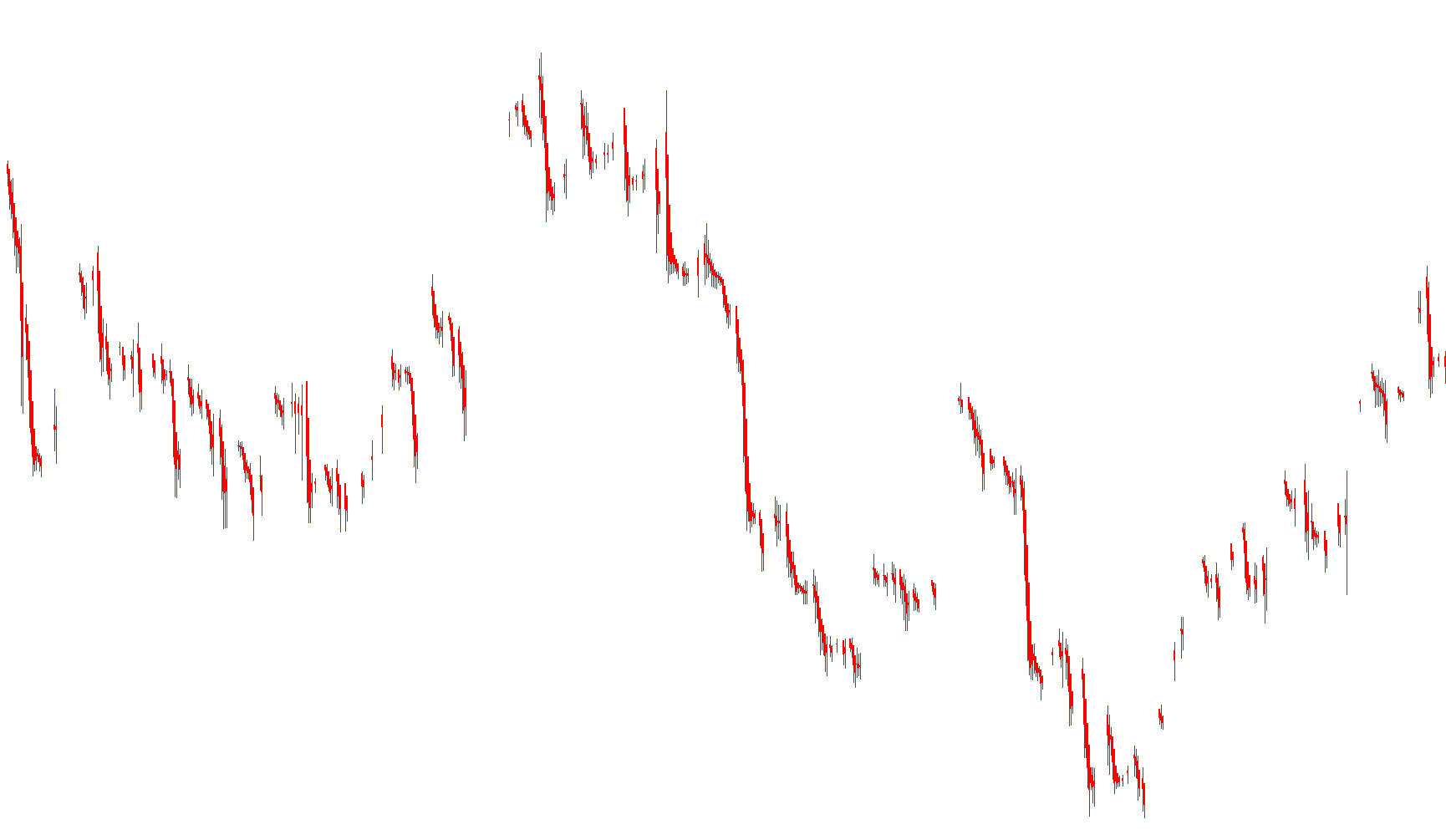
This script is a specialized technical analysis tool designed to transform the standard way price movements are displayed on a trading chart. Instead of showing raw, jagged price action, it utilizes the Heiken Ashi calculation method to provide a smoother, more trend-oriented visual representation of the market.
Core Logic and Functionality
The primary purpose of this script is to filter out "market noise"—the minor, rapid fluctuations in price—to help traders identify the underlying trend more clearly. It achieves this through several specific logical steps:
1. Data Smoothing and Synthesis Rather than plotting the standard High, Low, Open, and Close prices directly, the script recalculates these values using a mathematical average of both the current and previous periods.
- The Open price is determined by averaging the previous period's high and low values.
- The Close price is calculated as the arithmetic mean of the current period's high, low, open, and close.
2. Dynamic Price Range Calculation Once the smoothed "Heiken Ashi" Open and Close prices are determined, the script identifies the highest and lowest points for the current bar. It compares the current high and low against the newly calculated smoothed values to ensure the resulting visual bar encompasses the full range of actual price movement while maintaining its smooth structure.
3. Visual Trend Mapping (Color Logic) The script uses a simple conditional logic to determine the visual direction of the trend:
- If the smoothed Close is higher than the smoothed Open, it indicates upward momentum, and the tool maps the data to reflect a bullish movement (typically represented as white or light colors).
- If the smoothed Close is lower than the smoothed Open, it indicates downward momentum, mapping the data to reflect a bearish movement (typically represented as red colors).
User Experience
By applying this logic, the chart converts standard candlesticks into "Heiken Ashi" bars. To the user, this results in a visual experience where:
- Trends appear more continuous and less erratic.
- Color changes provide an immediate signal of momentum shifts.
- The "noise" of individual price spikes is minimized, allowing for a clearer view of whether the market is currently trending up, down, or consolidating.
To get the best results from this script, it is recommended to adjust your chart settings to a Line Chart format with a Black background, as this allows the red and white Heiken Ashi bars to stand out clearly without interference from standard candle outlines.
//+------------------------------------------------------------------+
//|                                                  Heiken Ashi.mq4 |
//|                      Copyright c 2004, MetaQuotes Software Corp. |
//|                                        http://www.metaquotes.net |
//+------------------------------------------------------------------+
//| For Heiken Ashi we recommend next chart settings ( press F8 or   |
//| select on menu 'Charts'->'Properties...'):                       |
//|  - On 'Color' Tab select 'Black' for 'Line Graph'                |
//|  - On 'Common' Tab disable 'Chart on Foreground' checkbox and    |
//|    select 'Line Chart' radiobutton                               |
//+------------------------------------------------------------------+
#property copyright "Copyright © 2004, MetaQuotes Software Corp."
#property link      "http://www.metaquotes.net"

#property indicator_chart_window
#property indicator_buffers 4
#property indicator_color1 Red
#property indicator_color2 White
#property indicator_color3 Red
#property indicator_color4 White
//---- buffers
double ExtMapBuffer1[];
double ExtMapBuffer2[];
double ExtMapBuffer3[];
double ExtMapBuffer4[];
//----
int ExtCountedBars=0;
//+------------------------------------------------------------------+
//| Custom indicator initialization function                         |
//|------------------------------------------------------------------|
int init()
  {
//---- indicators
   SetIndexStyle(0,DRAW_HISTOGRAM, 0, 1, Red);
   SetIndexBuffer(0, ExtMapBuffer1);
   SetIndexStyle(1,DRAW_HISTOGRAM, 0, 1, White);
   SetIndexBuffer(1, ExtMapBuffer2);
   SetIndexStyle(2,DRAW_HISTOGRAM, 0, 3, Red);
   SetIndexBuffer(2, ExtMapBuffer3);
   SetIndexStyle(3,DRAW_HISTOGRAM, 0, 3, White);
   SetIndexBuffer(3, ExtMapBuffer4);
//----
   SetIndexDrawBegin(0,10);
   SetIndexDrawBegin(1,10);
   SetIndexDrawBegin(2,10);
   SetIndexDrawBegin(3,10);
//---- indicator buffers mapping
   SetIndexBuffer(0,ExtMapBuffer1);
   SetIndexBuffer(1,ExtMapBuffer2);
   SetIndexBuffer(2,ExtMapBuffer3);
   SetIndexBuffer(3,ExtMapBuffer4);
//---- initialization done
   return(0);
  }
//+------------------------------------------------------------------+
//| Custom indicator deinitialization function                       |
//+------------------------------------------------------------------+
int deinit()
  {
//---- TODO: add your code here

//----
   return(0);
  }
//+------------------------------------------------------------------+
//| Custom indicator iteration function                              |
//+------------------------------------------------------------------+
int start()
  {
   double haOpen, haHigh, haLow, haClose;
   if(Bars<=10) return(0);
   ExtCountedBars=IndicatorCounted();
//---- check for possible errors
   if (ExtCountedBars<0) return(-1);
//---- last counted bar will be recounted
   if (ExtCountedBars>0) ExtCountedBars--;
   int pos=Bars-ExtCountedBars-1;
   while(pos>=0)
     {
      haOpen=(ExtMapBuffer3[pos+1]+ExtMapBuffer4[pos+1])/2;
      haClose=(Open[pos]+High[pos]+Low[pos]+Close[pos])/4;
      haHigh=MathMax(High[pos], MathMax(haOpen, haClose));
      haLow=MathMin(Low[pos], MathMin(haOpen, haClose));
      if (haOpen<haClose)
        {
         ExtMapBuffer1[pos]=haLow;
         ExtMapBuffer2[pos]=haHigh;
        }
      else
        {
         ExtMapBuffer1[pos]=haHigh;
         ExtMapBuffer2[pos]=haLow;
        }
      ExtMapBuffer3[pos]=haOpen;
      ExtMapBuffer4[pos]=haClose;
 	   pos--;
     }
//----
   return(0);
  }
//+------------------------------------------------------------------+
Comments