Magnified CloseBarPrice
Download script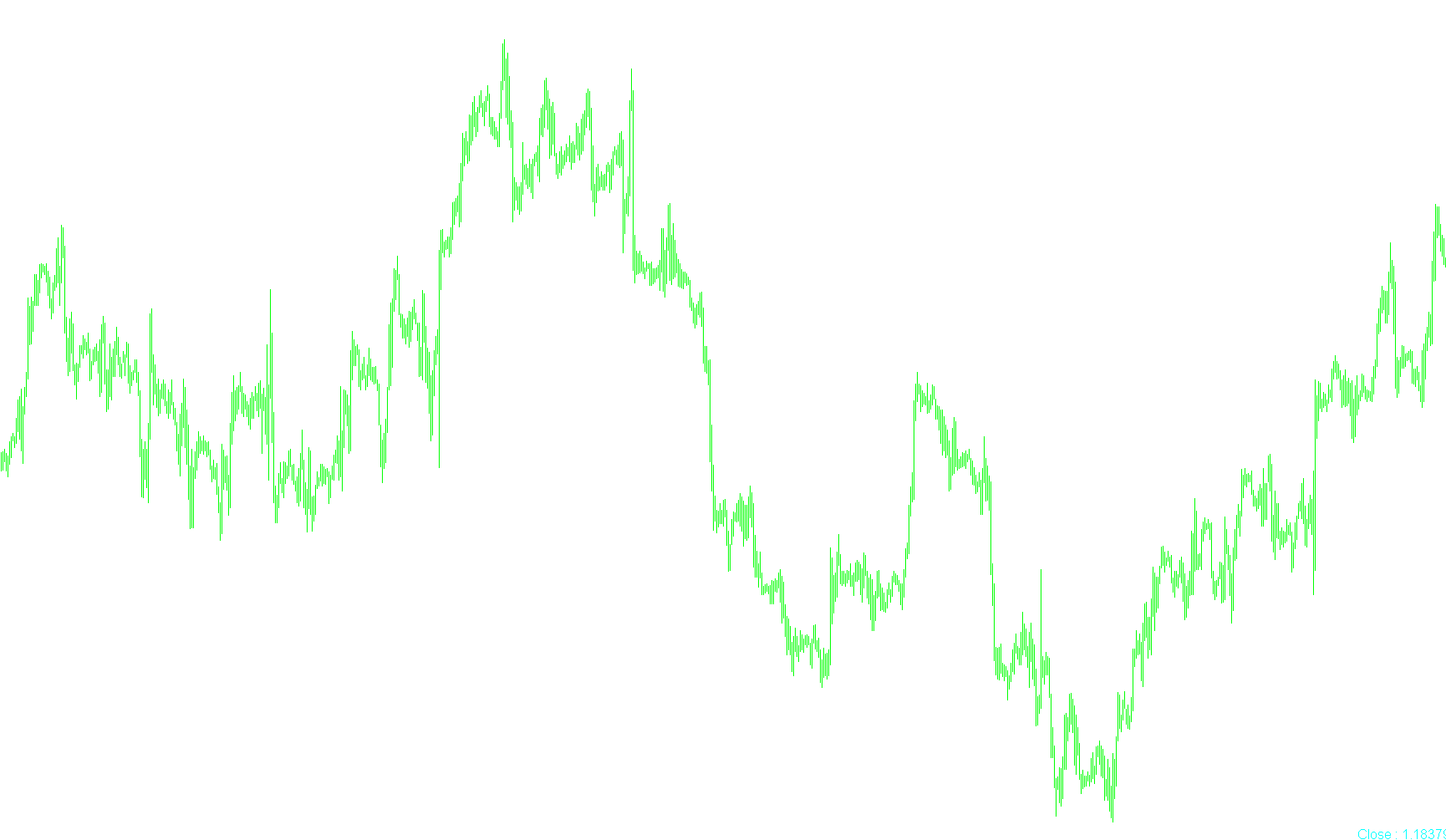
This tool is designed to provide traders with a clear, real-time visual reference of the market's most recent price action directly on their trading chart. Instead of requiring you to constantly scan the price scales or look at complex candlesticks to identify the current level, this script isolates and magnifies that specific information for easier readability.
Core Functionality
The primary logic of the script centers on identifying the "Close" price of the most recently completed candle. It captures this numerical value and instantly converts it into a large, easy-to-read text display on your screen.
Key Features & Customization
To ensure the tool fits perfectly with your specific trading setup, the logic includes several customizable parameters:
- Visual Styling: You can personalize the appearance of the price display by choosing the font size, the specific font type (such as Arial), and the color of the text. This ensures the information stands out against your chosen chart background.
- Flexible Positioning: The script allows you to choose exactly where on your screen the price will be displayed. You can toggle the location between the upper left, upper right, lower left, or lower right corners, providing you with the flexibility to place the information wherever it is most convenient for your workflow.
- Dynamic Updating: The logic is designed to refresh automatically. As new candles form and close, the script updates the displayed price in real-time, ensuring that the data you are viewing is always current.
Summary of User Experience
By using this script, you eliminate the need to manually track small price fluctuations. It provides a "magnified" snapshot of the market's movement, allowing you to keep your eyes on the overall trend while having the exact closing price constantly visible in your preferred corner of the workspace.
//+------------------------------------------------------------------+
//| Magnified Market Price.mq4        ver1.4             by Habeeb   |
//+------------------------------------------------------------------+

#property indicator_chart_window

  extern string note2 = "Default Font Color";
  extern color  FontColor = Aqua;
  extern string note3 = "Font Size";
  extern int    FontSize=32;
  extern string note4 = "Font Type";
  extern string FontType="Arial";
  extern string note5 = "Display the price in what corner?";
  extern string note6 = "Upper left=0; Upper right=1";
  extern string note7 = "Lower left=2; Lower right=3";
  extern int    WhatCorner=3;


int init()
  {
   return(0);
  }

int deinit()
  {
  ObjectDelete("Market_Price_Label");

  return(0);
  }

int start()
  {

   string Market_Price = "Close : " + DoubleToStr(iClose(NULL, 0, 1), Digits);

   ObjectCreate("Market_Price_Label", OBJ_LABEL, 0, 0, 0);
   ObjectSetText("Market_Price_Label", Market_Price, FontSize, FontType, FontColor);
   ObjectSet("Market_Price_Label", OBJPROP_CORNER, WhatCorner);
   ObjectSet("Market_Price_Label", OBJPROP_XDISTANCE, 1);
   ObjectSet("Market_Price_Label", OBJPROP_YDISTANCE, 1);
  }
Comments