RSI_CL
Download script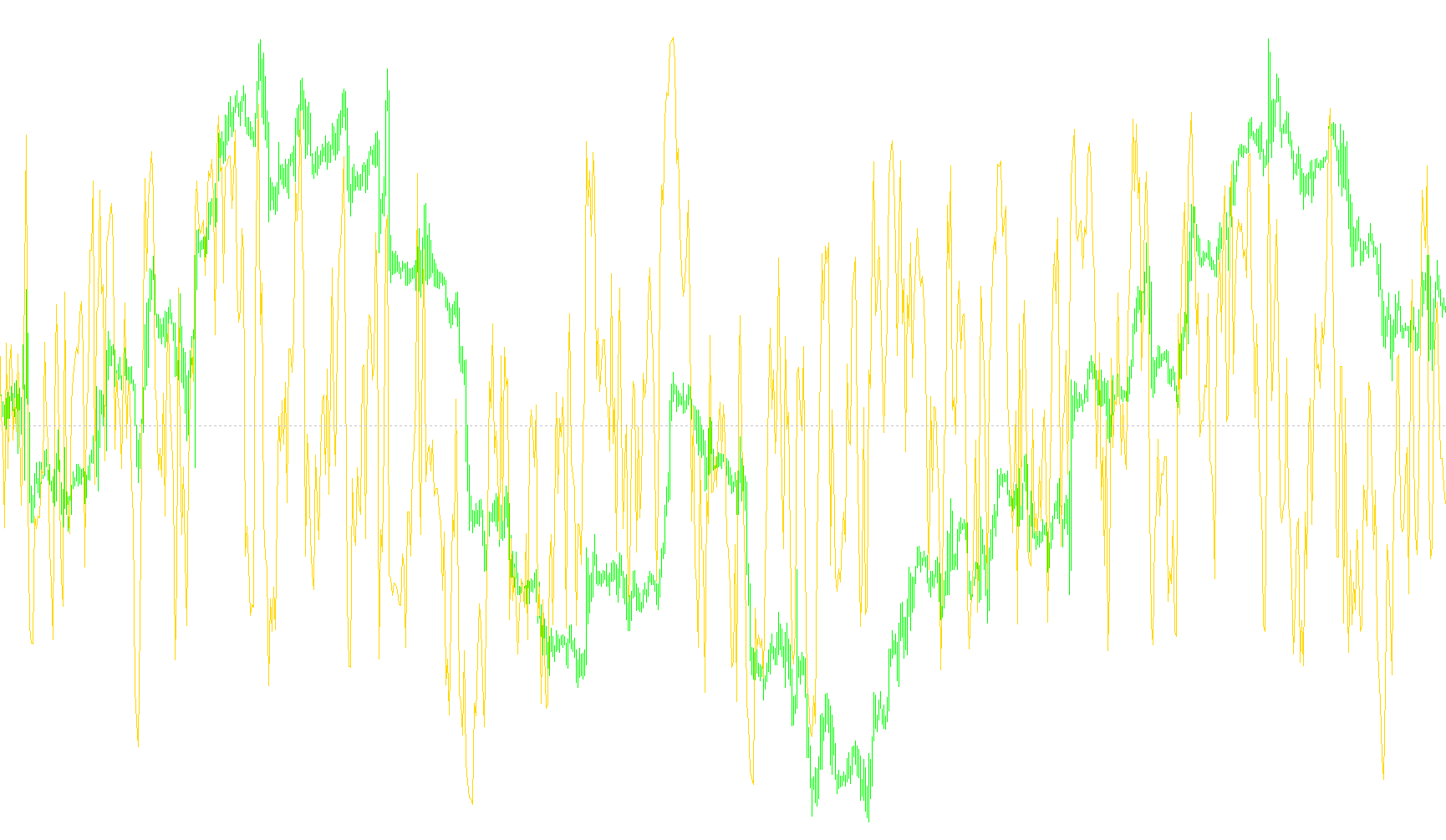
This script is a customized technical analysis tool designed for the MetaTrader trading platform. It enhances the standard Relative Strength Index (RSI) by adding dynamic visual cues to help traders identify specific price momentum conditions more clearly.
Core Functionality
The primary purpose of this tool is to monitor the RSI—a momentum oscillator that measures the speed and change of price movements. While a standard RSI shows a continuous line, this script adds "logic-based coloring" and horizontal markings to highlight when the market is reaching overbought or oversold territories.
How the Logic Works
The script continuously scans the price data and calculates the RSI based on user-defined periods and price types (such as Close, High, or Low prices). It then applies the following logic to provide visual feedback:
- Upper Boundary Detection: The script monitors a specific "High Level" (defaulting to 70). When the RSI crosses into this zone, it changes the visual state of the indicator.
- Lower Boundary Detection: It simultaneously monitors a corresponding "Low Level" (calculated automatically as 100 minus the High Level). This identifies when the market is potentially overextended in the opposite direction.
- Dynamic Visual States: Unlike a static indicator, this script compares the current value with the previous value to determine four distinct visual states:
- Strong Overbought: Highlighted when the RSI is above the high level and remains there from the previous candle.
- Entry into Overbought: Highlighted when the RSI has just crossed over the high level.
- Strong Oversold: Highlighted when the RSI is below the low level and remains there from the previous candle.
- Entry into Oversold: Highlighted when the RSI has just crossed under the low level.
Key Features for the User
- Color Coding: The script uses distinct colors (such as Dodger Blue, Red, and Gray) to differentiate between these states, allowing traders to see at a glance whether a trend is strengthening, weakening, or transitioning.
- Multi-Instance Support: It includes a unique "Indicator ID" system. This allows you to place multiple versions of the same indicator on a single chart with different settings without them interfering with each other.
- Automated Cleanup: The script is designed to manage its own visual objects efficiently, ensuring that markings are updated correctly as new price data arrives and removed when no longer needed.
//+------------------------------------------------------------------+
//|                                                       RSI_CL.mq4 |
//|                                                                * |
//|                                                                * |
//+------------------------------------------------------------------+
#property copyright "Integer"
#property link      "for-good-letters@yandex.ru"

#property indicator_separate_window
#property indicator_maximum 100
#property indicator_minimum 0
#property indicator_buffers 1
#property indicator_color1 Khaki
//---- input parameters
extern int     RSIPeriod   =  5;          // Ïåðèîä RSI
extern int     RSIPrice    =  0;          // Öåíà RSI: 0-Close, 1-Open, 2-High, 3-Low, 4-Median, 5-Typical, 6-Weighted
extern int     RSILevel    =  70;         // Âåðõíèé óðîâåíü RSI, íèæíèé ðàâåí 100-RSILevel
extern color   UpColor     =  DodgerBlue; // Öâåò âåðõíåãî óðîâíÿ ïðè çíà÷åíèè èíäèêàòîðà îò RSILevel è âûøå
extern color   DnColor     =  Red;        // Öâåò íèæíåãî óðîâíÿ ïðè çíà÷åíèè èíäèêàòîðà îò 100-RSILevel è íèæå
extern color   NormColor   =  Gray;       // Îáû÷íûé öâåò óðîâíåé
extern int     IndicatorID =  1;          // Èäåíòèôèêàòîð èíäèêàòîðà.  ñëó÷àå, åñëè íåîáõîäèìî, ÷òîáû íà îäíîì ãðàôèêå ðàáîòàëî íåñêîëüêî èíäèêàòîðîâ ñ ðàçíûìè ïàðàìåòðàìè, ó âñåõ èíäèêàòîðîâ äîëæíû áûòü ðàçíûå çíà÷åíèÿ èäåíòèôèêàòîðà (íåîáõîäèìî äëÿ ïðàâèëüíîé ðàáîòû ñ ãðàôè÷åñêèìè îáúåêòàìè).
//---- buffers
double rsi[];
double up[];
double lo[];
int LoLevel;
string ShortName;
//+------------------------------------------------------------------+
//| Custom indicator initialization function                         |
//+------------------------------------------------------------------+
int init()
  {
//---- indicators
   SetIndexStyle(0,DRAW_LINE);
   SetIndexBuffer(0,rsi);

   LoLevel=100-RSILevel;

   SetLevelValue(0,50);

   SetIndexLabel(0,"RSI");

   SetIndexDrawBegin(0,RSIPeriod+1);

   ShortName="RSI CL "+IndicatorID;

   IndicatorShortName(ShortName);

   IndicatorDigits(2);
//----
   return(0);
  }
//+------------------------------------------------------------------+
//| Custom indicator deinitialization function                       |
//+------------------------------------------------------------------+
int deinit()
  {
//----
   ObjectDelete("RSI_CL_"+IndicatorID+"_U");
   ObjectDelete("RSI_CL_"+IndicatorID+"_L");
//----
   return(0);
  }
//+------------------------------------------------------------------+
//| Custom indicator iteration function                              |
//+------------------------------------------------------------------+
int start()
  {
         int limit=Bars-IndicatorCounted();

            for(int i=limit-1;i>=0;i--){
               rsi[i]=iRSI(NULL,0,RSIPeriod,RSIPrice,i);

                  if(rsi[i]>=RSILevel){
                     if(rsi[i+1]>=RSILevel){
                        fObjHLine("RSI_CL_"+IndicatorID+"_U",RSILevel,UpColor,1,WindowFind(ShortName),0,false);
                     }
                     else{
                        fObjHLine("RSI_CL_"+IndicatorID+"_U",RSILevel,UpColor,1,WindowFind(ShortName),2,false);
                     }
                  }
                  else{
                     if(rsi[i+1]>=RSILevel){
                        fObjHLine("RSI_CL_"+IndicatorID+"_U",RSILevel,NormColor,1,WindowFind(ShortName),2,false);
                     }
                     else{
                        fObjHLine("RSI_CL_"+IndicatorID+"_U",RSILevel,NormColor,1,WindowFind(ShortName),0,false);
                     }
                  }

                  if(rsi[i]<=LoLevel){
                     if(rsi[i+1]<=LoLevel){
                        fObjHLine("RSI_CL_"+IndicatorID+"_L",LoLevel,DnColor,1,WindowFind(ShortName),0,false);
                     }
                     else{
                        fObjHLine("RSI_CL_"+IndicatorID+"_L",LoLevel,DnColor,1,WindowFind(ShortName),2,false);
                     }
                  }
                  else{
                     if(rsi[i+1]<=LoLevel){
                        fObjHLine("RSI_CL_"+IndicatorID+"_L",LoLevel,NormColor,1,WindowFind(ShortName),2,false);
                     }
                     else{
                        fObjHLine("RSI_CL_"+IndicatorID+"_L",LoLevel,NormColor,1,WindowFind(ShortName),0,false);
                     }
                  }


            }
   return(0);
  }
//+------------------------------------------------------------------+

void fObjHLine(
   string aObjectName,  // 1 èìÿ
   double aPrice_1,     // 2 öåíà
   color aColor=Red,    // 3 öâåò
   int aWidth=1,        // 4 òîëùèíà
   int aWindowNumber=0, // 5 îêíî
   int aStyle=0,        // 6 0-STYLE_SOLID, 1-STYLE_DASH, 2-STYLE_DOT, 3-STYLE_DASHDOT, 4-STYLE_DASHDOTDOT
   bool aBack=false     // 7 ôîí
   ){
      if(ObjectFind(aObjectName)!=aWindowNumber){
         ObjectCreate(aObjectName,OBJ_HLINE,aWindowNumber,0,aPrice_1);
      }
   ObjectSet(aObjectName,OBJPROP_PRICE1,aPrice_1);
   ObjectSet(aObjectName,OBJPROP_COLOR,aColor);
   ObjectSet(aObjectName,OBJPROP_WIDTH,aWidth);
   ObjectSet(aObjectName,OBJPROP_BACK,aBack);
   ObjectSet(aObjectName,OBJPROP_STYLE,aStyle);
}
Comments