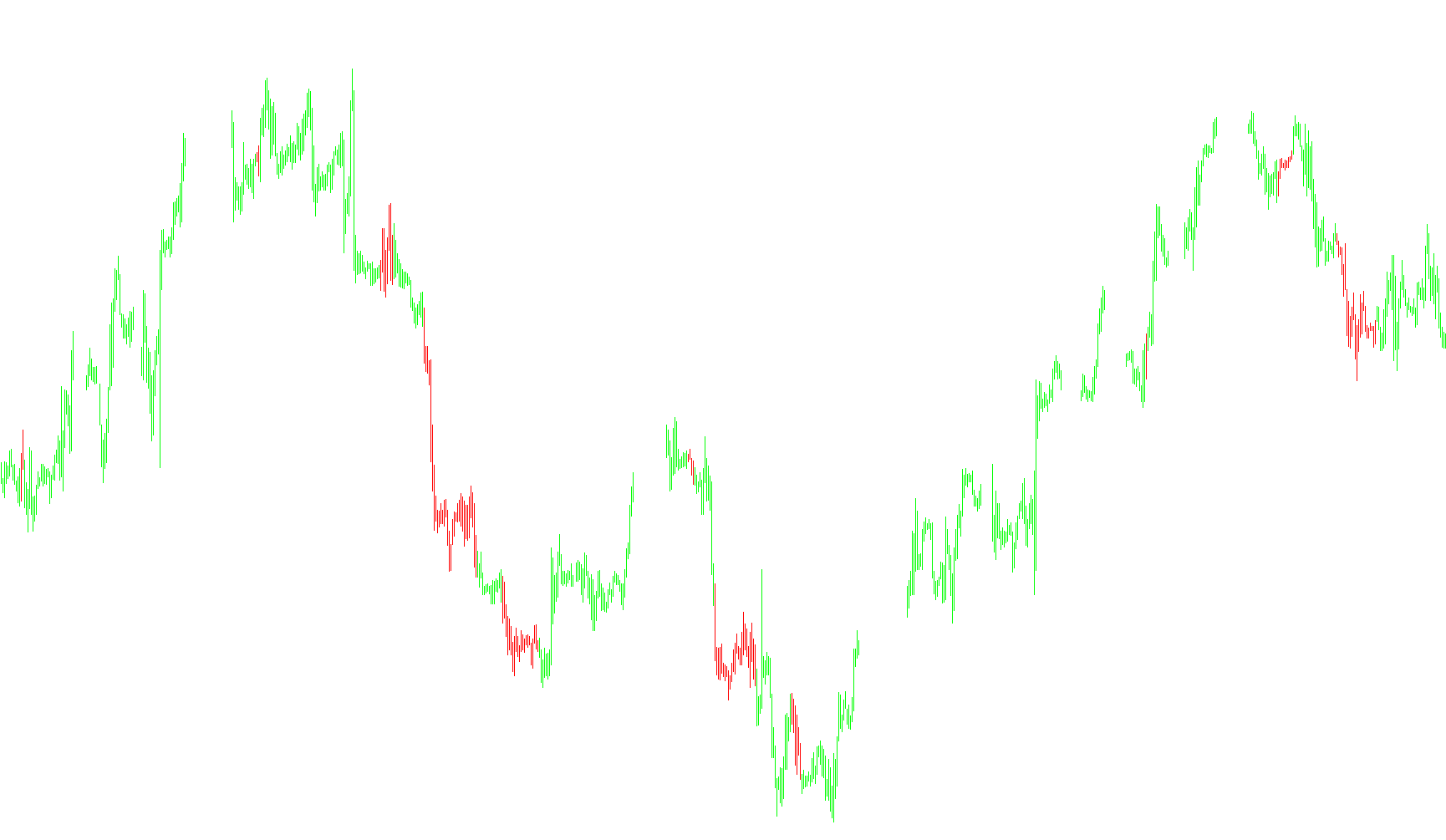
The Trend Trigger (Bars) is a specialized technical analysis tool designed to identify and visualize market momentum by comparing recent price extremes against historical data. Instead of simply looking at the current price, this script analyzes the "power" behind potential buying and selling trends over specific timeframes.
How the Logic Works
1. Price Extreme Analysis The indicator looks back at a specific number of bars (user-adjustable) to identify two distinct sets of data:
- Recent Extremes: The highest highs and lowest lows achieved in the most recent period.
- Older Extremes: The highest highs and lowest lows from the period immediately preceding the current one.
2. Measuring Market Power By comparing these two periods, the script calculates "Buy Power" and "Sell Power."
- Buy Power is determined by measuring the distance between the most recent high and the older low.
- Sell Power is determined by measuring the distance between the older high and the recent low.
3. Trend Strength Calculation The script then calculates a percentage-based value (TTF) that represents the balance between these two powers. This tells the indicator whether the market is leaning more toward an upward trajectory or a downward trajectory based on how aggressively the price is moving relative to its past behavior.
4. Smoothing and Filtering To ensure the data isn't erratic or "noisy," the script applies a mathematical smoothing process. It uses weighted calculations (similar to a moving average) to filter out minor price fluctuations, ensuring that the final trend signal is stable and reliable rather than reactive to every tiny market tick.
5. Visual Representation Finally, the indicator translates these mathematical results into visual markers on your chart:
- Strong Upward Trends: When the calculated "Buy Power" significantly outweighs the "Sell Power" (reaching a specific threshold), the indicator highlights the price action in one direction.
- Strong Downward Trends: When "Sell Power" dominates the calculation, the indicator flips to highlight the opposite trend.
- Neutral Markets: If the power balance is relatively equal and neither side has enough momentum to cross the required threshold, the indicator remains neutral, signaling that a clear trend has not yet established itself.
/*-----------------------------+
|			       |
| Shared by www.Aptrafx.com    |
|			       |
+------------------------------*/

//+------------------------------------------------------------------+
//|                                         Trend Trigger (Bars).mq4 |
//|                      Copyright © 2005, MetaQuotes Software Corp. |
//|                                        http://www.metaquotes.net |
//+------------------------------------------------------------------+
#property copyright "Copyright © 2005, MetaQuotes Software Corp."
#property link      "http://www.metaquotes.net"

#property indicator_chart_window
#property indicator_buffers 2
#property indicator_color1 Pink
#property indicator_color2 Aqua
//---- input parameters
extern int       TTFbars=15;
extern int       t3_period=5;
extern double    b=0.7;
//---- buffers
//---- buffers
double ExtMapBuffer1[];
double ExtMapBuffer2[];

// Variable Specific:
string IndicatorName = "py.TTF";
string Version = "S01";
double HighestHighRecent,
       HighestHighOlder,
       LowestLowRecent,
       LowestLowOlder,
       BuyPower,
       SellPower,TTF;
double t3,e1,e2,e3,e4,e5,e6,c1,c2,c3,c4,r,w1,w2,b2,b3;

//+------------------------------------------------------------------+
//| Custom indicator initialization function                         |
//+------------------------------------------------------------------+
int init()
  {
//---- indicators
//---- indicators
   SetIndexStyle(0,DRAW_HISTOGRAM, 0, 1, Red);
   SetIndexBuffer(0, ExtMapBuffer1);
   SetIndexStyle(1,DRAW_HISTOGRAM, 0, 1, White);
   SetIndexBuffer(1, ExtMapBuffer2);
//----
   SetIndexDrawBegin(0,10);
   SetIndexDrawBegin(1,10);
//---- indicator buffers mapping
   SetIndexBuffer(0,ExtMapBuffer1);
   SetIndexBuffer(1,ExtMapBuffer2);

   b2 = b * b;
   b3 = b2 * b;
   c1 = (-b3);
   c2 = (3 * (b2 + b3));
   c3 = (-3) * (2 * b2 + b + b3);
   c4 = (1 + 3 * b + b3 + 3 * b2);

   r = t3_period;

   if (r < 1) r = 1;
   r = 1 + 0.5 * (r - 1);
   w1 = 2 / (r + 1);
   w2 = 1 - w1 ;
//----
   return(0);
  }
//+------------------------------------------------------------------+
//| Custor indicator deinitialization function                       |
//+------------------------------------------------------------------+
int deinit()
  {
//----

//----
   return(0);
  }
//+------------------------------------------------------------------+
//| Custom indicator iteration function                              |
//+------------------------------------------------------------------+
int start()
  {
   int    counted_bars=IndicatorCounted();
//----
   int limit = Bars-counted_bars-1;
   for(int i=limit; i>0; i--)
   {
     HighestHighRecent = High[Highest(NULL,0,MODE_HIGH,TTFbars,i)];
	  HighestHighOlder = High[Highest(NULL,0,MODE_HIGH,TTFbars,i + TTFbars)];
	  LowestLowRecent = Low [Lowest(NULL,0,MODE_LOW,TTFbars,i)];
	  LowestLowOlder = Low [Lowest(NULL,0,MODE_LOW,TTFbars,i+TTFbars)];
	  BuyPower = HighestHighRecent - LowestLowOlder;
	  SellPower = HighestHighOlder - LowestLowRecent;
	  TTF = (BuyPower - SellPower) / (0.5 * (BuyPower + SellPower)) * 100;

	  e1 = w1 * TTF + w2 * e1;
	  e2 = w1 * e1 + w2 * e2;
	  e3 = w1 * e2 + w2 * e3;
	  e4 = w1 * e3 + w2 * e4;
	  e5 = w1 * e4 + w2 * e5;
	  e6 = w1 * e5 + w2 * e6;

	  TTF = c1 * e6 + c2 * e5 + c3 * e4 + c4 * e3;

     if (TTF >= 100) {
       ExtMapBuffer1[i]=Low[i];
       ExtMapBuffer2[i]=High[i];
     }
     else if (TTF <= -100) {
       ExtMapBuffer1[i]=High[i];
       ExtMapBuffer2[i]=Low[i];
     }
     else {
       ExtMapBuffer1[i]=Low[i];
       ExtMapBuffer2[i]=Low[i];
     }
   }
//----
   return(0);
  }
//+------------------------------------------------------------------+
Comments