MA_AngleZeroSigMAm
Download script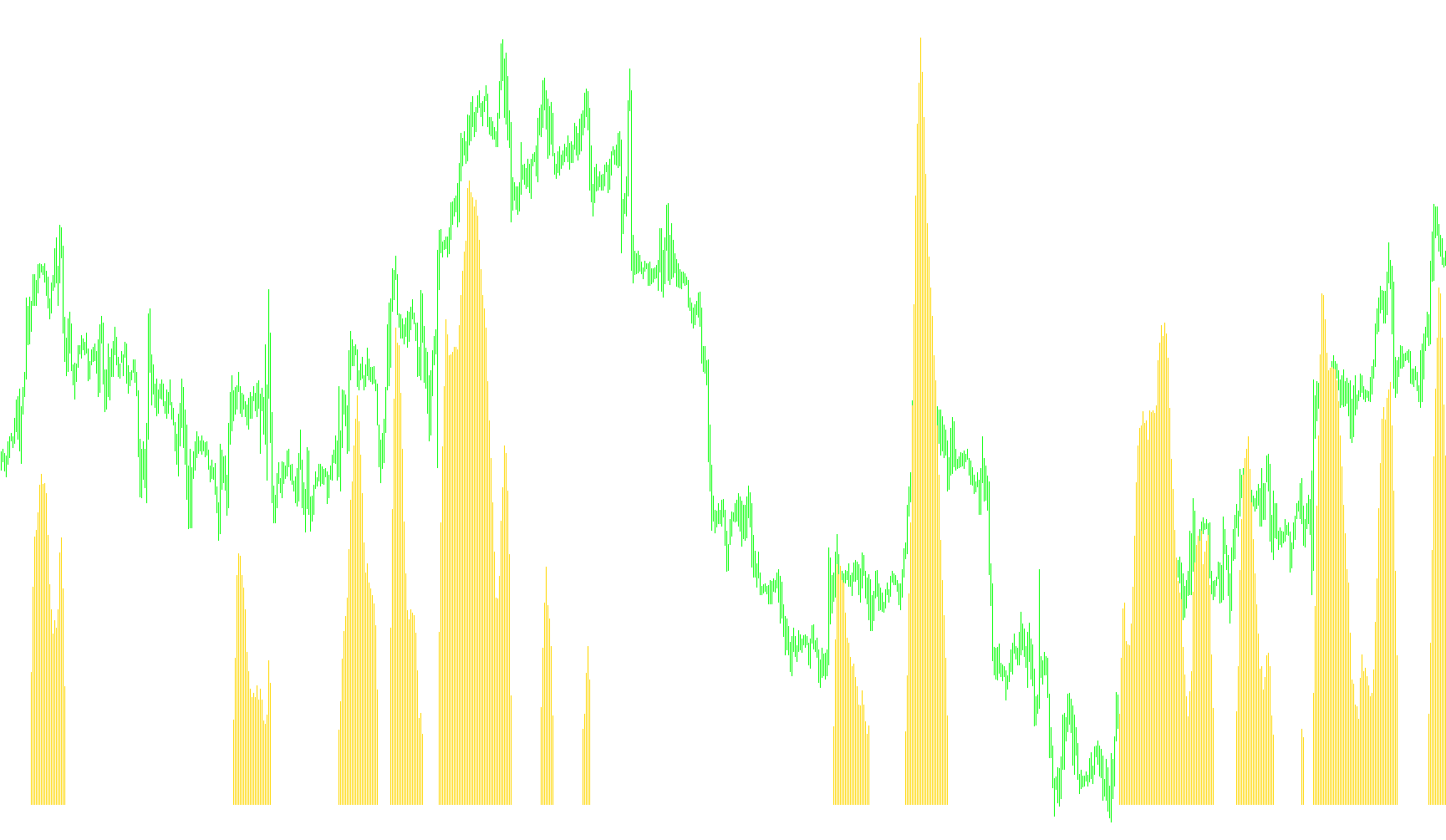
This tool is designed to help traders visualize the momentum and direction of a Moving Average (MA) by calculating its "angle." Instead of just looking at whether a line is going up or down, this script measures the steepness of that movement to help identify periods of strength, weakness, or stagnation.
How the Logic Works
The script operates by comparing two different points in time on a Moving Average (such as an EMA) to determine how much it has moved over a specific distance. Here is the step-by-step breakdown:
1. Calculating the Angle The indicator looks at two specific positions: a "Start" point and an "End" point in the past. By subtracting the value of the starting point from the ending point, the script determines the rate of change. It then applies a mathematical multiplier to convert this change into a numerical angle.
2. Identifying Market States (Color Coding) The primary goal of the script is to categorize the market's current momentum into three distinct states based on a user-defined threshold:
- Upward Momentum (Green): If the calculated angle is significantly positive (greater than your set threshold), the indicator recognizes a strong upward trend.
- Downward Momentum (Red): If the calculated angle is significantly negative (lower than your negative threshold), the indicator recognizes a strong downward trend.
- Neutral/Sideways Movement (Yellow/Gold): If the angle falls between the positive and negative thresholds, it indicates that the Moving Average is "near zero." This suggests the market is ranging, consolidating, or lacks a clear direction.
3. Smoothing the Data To prevent the data from looking too "jittery" or reactive to every minor price tick, the script applies a secondary Moving Average (a Signal Line) over the calculated angles. This smooths out the results, providing a cleaner visual of the underlying trend strength.
Key Parameters Explained
- MA Period & Mode: Allows you to choose which type of Moving Average you want to track (e.g., EMA, SMA).
- Angle Threshold: This is your "sensitivity" setting. A smaller number makes the indicator more sensitive to small movements; a larger number requires a steeper move to trigger a Green or Red signal.
- Start and End Shifts: These define the distance between the two points used to calculate the angle (e.g., measuring the change over the last 6 bars).
Summary for the Trader
This script is primarily used to filter out "noise." By highlighting areas where the Moving Average is flat (the "Near Zero" zone), it helps traders avoid entering trades during choppy, sideways markets and focuses attention on periods where a clear, directional trend has actually formed.
//+------------------------------------------------------------------+
//|                                                     EMAAngle.mq4 |
//|                                                           jpkfox |
//|                                                                  |
//| You can use this indicator to measure when the EMA angle is      |
//| "near zero". AngleTreshold determines when the angle for the     |
//| EMA is "about zero": This is when the value is between           |
//| [-AngleTreshold, AngleTreshold] (or when the histogram is red).  |
//|   EMAPeriod: EMA period                                          |
//|   AngleTreshold: The angle value is "about zero" when it is      |
//|     between the values [-AngleTreshold, AngleTreshold].          |
//|   StartEMAShift: The starting point to calculate the             |
//|     angle. This is a shift value to the left from the            |
//|     observation point. Should be StartEMAShift > EndEMAShift.    |
//|   EndEMAShift: The ending point to calculate the               |
//|     angle. This is a shift value to the left from the            |
//|     observation point. Should be StartEMAShift > EndEMAShift.    |
//|                                                                  |
//|   Modified by MrPip                                              |
//|       Red for down                                               |
//|       Yellow for near zero                                       |
//|       Green for up                                               |
//|  10/15/05  MrPip                                                 |
//|            Corrected problem with USDJPY and optimized code      |
//|                                                                  |
//+------------------------------------------------------------------+
//mod2008fxtsd ki
#property  copyright "jpkfox"
#property  link      "http://www.strategybuilderfx.com/forums/showthread.php?t=15274&page=1&pp=8"
//---- indicator settings
#property  indicator_separate_window
#property  indicator_buffers 4
#property  indicator_color1   Green
#property  indicator_color2   Red
#property  indicator_color3   Gold
#property  indicator_color4   DeepSkyBlue

#property indicator_width1 2
#property indicator_width2 2
#property indicator_width3 2
#property indicator_width4 1

#property indicator_level1  0.3
#property indicator_level2 -0.3
//#property indicator_level3  0
#property indicator_levelcolor RoyalBlue

//---- indicator parameters
extern int MAPeriod=34;
extern int MA_MODE=1;//0 sma; 1 ema; 2 smma; 3 lwma
extern int MA_PRICE=0;
extern double AngleTreshold=0.2;
extern int StartMAShift=6;
extern int EndMAShift=0;
extern int SigMA_Period  =  9;
extern int SigMA_mode    =  1;//0 sma; 1 ema; 2 smma; 3 lwma

extern string MA_Mode__= "0-sma; 1 ema; 2 smma; 3 lwma";
extern string MA_Price_= "0C 1O 2H 3L 4Md 5Tp 6WghC: Md(HL/2)4,Tp(HLC/3)5,Wgh(HLCC/4)6";

//---- indicator buffers
double UpBuffer[];
double DownBuffer[];
double ZeroBuffer[];
double SigMABuffer[];
double fAngle1[];
//+------------------------------------------------------------------+
//| Custom indicator initialization function                         |
//+------------------------------------------------------------------+
int init()
{
//---- 2 additional buffers are used for counting.
   IndicatorBuffers(5);
//---- drawing settings
   SetIndexStyle(0,DRAW_HISTOGRAM);
   SetIndexStyle(1,DRAW_HISTOGRAM);
   SetIndexStyle(2,DRAW_HISTOGRAM);
   SetIndexStyle(3,DRAW_LINE);


//---- 3 indicator buffers mapping
   if(!SetIndexBuffer(0,UpBuffer) &&
      !SetIndexBuffer(1,DownBuffer) &&
      !SetIndexBuffer(3,SigMABuffer) &&
      !SetIndexBuffer(4,fAngle1) &&
      !SetIndexBuffer(2,ZeroBuffer))
      Print("cannot set indicator buffers!");
//---- name for DataWindow and indicator subwindow label
   IndicatorShortName("MA_AngleZero ("+MAPeriod+", "+DoubleToStr(AngleTreshold,2)+", "+SigMA_Period+")");

   SetIndexLabel(0,"");
   SetIndexLabel(1,"");
   SetIndexLabel(2,"");
   SetIndexLabel(3,"SigL");
   IndicatorDigits(MarketInfo(Symbol(),MODE_DIGITS)+2);
//---- initialization done
   return(0);
}
//+------------------------------------------------------------------+
//| The angle for EMA                                                |
//+------------------------------------------------------------------+
int start()
{
   double fEndMA, fStartMA;
   double fAngle, mFactor, dFactor;
   int nLimit, i;
   int nCountedBars;
   double angle;
   int ShiftDif;

   if(EndMAShift >= StartMAShift)
   {
      Print("Error: EndEMAShift >= StartEMAShift");
      StartMAShift = 6;
      EndMAShift = 0;
   }

   nCountedBars = IndicatorCounted();
//---- check for possible errors
   if(nCountedBars<0)
      return(-1);
//---- last counted bar will be recounted
   if(nCountedBars>0)
      nCountedBars--;
   nLimit = Bars-nCountedBars;
   dFactor = 3.14159/180.0;
   mFactor = 10000.0;
//   if (Symbol() == "USDJPY") mFactor = 100.0;
   ShiftDif = StartMAShift-EndMAShift;
   mFactor /= ShiftDif;
//---- main loop
   for(i=0; i<nLimit; i++)
   {
      fEndMA=iMA(NULL,0,MAPeriod,0,MA_MODE,MA_PRICE,i+EndMAShift);
      fStartMA=iMA(NULL,0,MAPeriod,0,MA_MODE,MA_PRICE,i+StartMAShift);
      // 10000.0 : Multiply by 10000 so that the fAngle is not too small
      // for the indicator Window.
     if(fStartMA!= 0)
     fAngle = mFactor * (fEndMA - fStartMA)/fStartMA;
//             fAngle = mFactor * (fEndMA - fStartMA);

//      fAngle = MathArctan(fAngle)/dFactor;
      fAngle1[i]=fAngle;

      DownBuffer[i] = 0.0;
      UpBuffer[i] = 0.0;
      ZeroBuffer[i] = 0.0;

      if(fAngle > AngleTreshold)
         UpBuffer[i] = fAngle;
      else if (fAngle < -AngleTreshold)
         DownBuffer[i] = fAngle;
      else ZeroBuffer[i] = fAngle;
   }
//   nLimit = Bars-nCountedBars+SigMA_Period;
   for(i=0; i<nLimit; i++)

     {
     SigMABuffer[i]=iMAOnArray(fAngle1,0,SigMA_Period,0,SigMA_mode,i);

    }


   return(0);
  }
//+------------------------------------------------------------------+
Comments