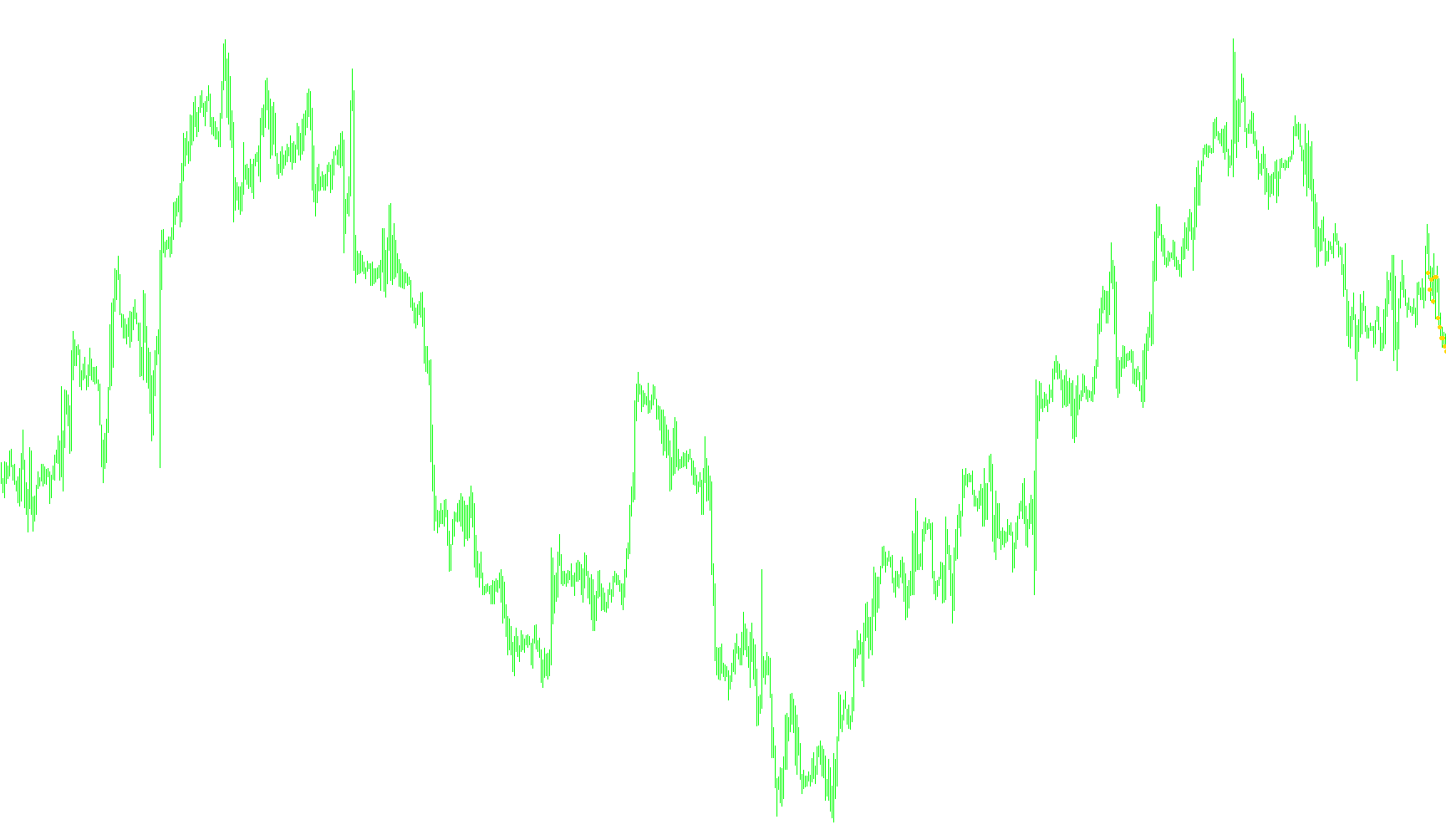
This technical script is designed to function as a visual tool on a trading chart. Its primary purpose is to map specific price data points—specifically the closing prices of financial instruments—and display them using visual markers (arrows) directly on the main chart window.
Core Functionality
Data Mapping The logic focuses on scanning the historical price movement of an asset. It identifies the "Close" price for each bar on the chart. Instead of just showing a standard line, the script captures these specific values and prepares them to be plotted as distinct visual elements.
Visual Representation The tool utilizes two separate data "buffers." These act as placeholders that tell the platform exactly where to place two different sets of markers. By using arrows rather than continuous lines, the script allows traders to see individual price points clearly without cluttering the chart with unnecessary geometry.
Processing Behavior
- Initialization: When first loaded, the script sets up the visual style of the arrows (color and shape) to ensure they are visible against the background.
- Historical Scanning: The logic includes a loop that moves backward through the chart's history to populate the data buffers. This ensures that as the price moves, the markers stay aligned with their corresponding historical bars.
- Safety Checks: The script includes built-in "checks" to ensure it doesn't attempt to run if there isn't enough historical data available (for example, if a chart has fewer than 10 bars). This prevents errors and ensures the tool remains stable.
- Buffer Management: It handles the "counting" of bars to optimize how often the platform needs to recalculate the positions of the arrows, helping to maintain smooth performance during live market updates.
Summary for the User
In simple terms, this script takes the closing price of every candle on your chart and places a small visual arrow at that exact price level. It acts as a way to highlight historical price action points visually, making it easier to observe specific price levels across a timeline.
/*-----------------------------+
|			       |
| Shared by www.Aptrafx.com    |
|			       |
+------------------------------*/

//+------------------------------------------------------------------+
//| test 5.mq4                                                       |
//+------------------------------------------------------------------+
#property copyright "Ron T"
#property link      "http://www.lightpatch.com"

// in chart window, or seperate window
#property indicator_chart_window

// buffer allocation and color for lines
#property indicator_buffers 2
#property indicator_color1 White
#property indicator_color2 White

// actual buffer array
double ExtMapBuffer1[];
double ExtMapBuffer2[];

// ???
int ExtCountedBars=0;

// external user input (CHECK FOR ERRORS!!)
extern double indChange=0.01;


//+------------------------------------------------------------------+
//| Custom indicator init                                            |
//|------------------------------------------------------------------|
int init()
  {

   // line properties

   SetIndexStyle(0,DRAW_ARROW);
   SetIndexBuffer(0, ExtMapBuffer1);
   SetIndexArrow(0,159);

   SetIndexStyle(1,DRAW_ARROW);
   SetIndexBuffer(1, ExtMapBuffer2);
   SetIndexArrow(1,159);

   return(0);
  }


//+------------------------------------------------------------------+
//| Custor indicator deinit function                                 |
//+------------------------------------------------------------------+
int deinit()
   {
   return(0);
   }


//+------------------------------------------------------------------+
//| Custom indicator iteration function                              |
//+------------------------------------------------------------------+
int start()
  {
     double sum=0;
     double oldsum=0;
     double change=0;
     double hitot=0;         // must start at lowest point
     double lotot=9999;      // must start at highest point

     int    i;
     int pos=5;

   if(Bars<=10) return(0);
   ExtCountedBars=IndicatorCounted();
   if (ExtCountedBars<0) return(-1);
   if (ExtCountedBars>0) ExtCountedBars--;

   while ( pos >= 0 )
      {
      ExtMapBuffer1[pos]=Close[pos];
      pos--;
      }


//---- zero initial bars
   if(ExtCountedBars<1)
      {
      for(i=1;i<5;i++) ExtMapBuffer1[Bars-i]=0;
      for(i=1;i<5;i++) ExtMapBuffer2[Bars-i]=0;
      }


   return(0);
  }

//+------------------------------------------------------------------+
Comments