Gann HiLo ActivatorV2
Download script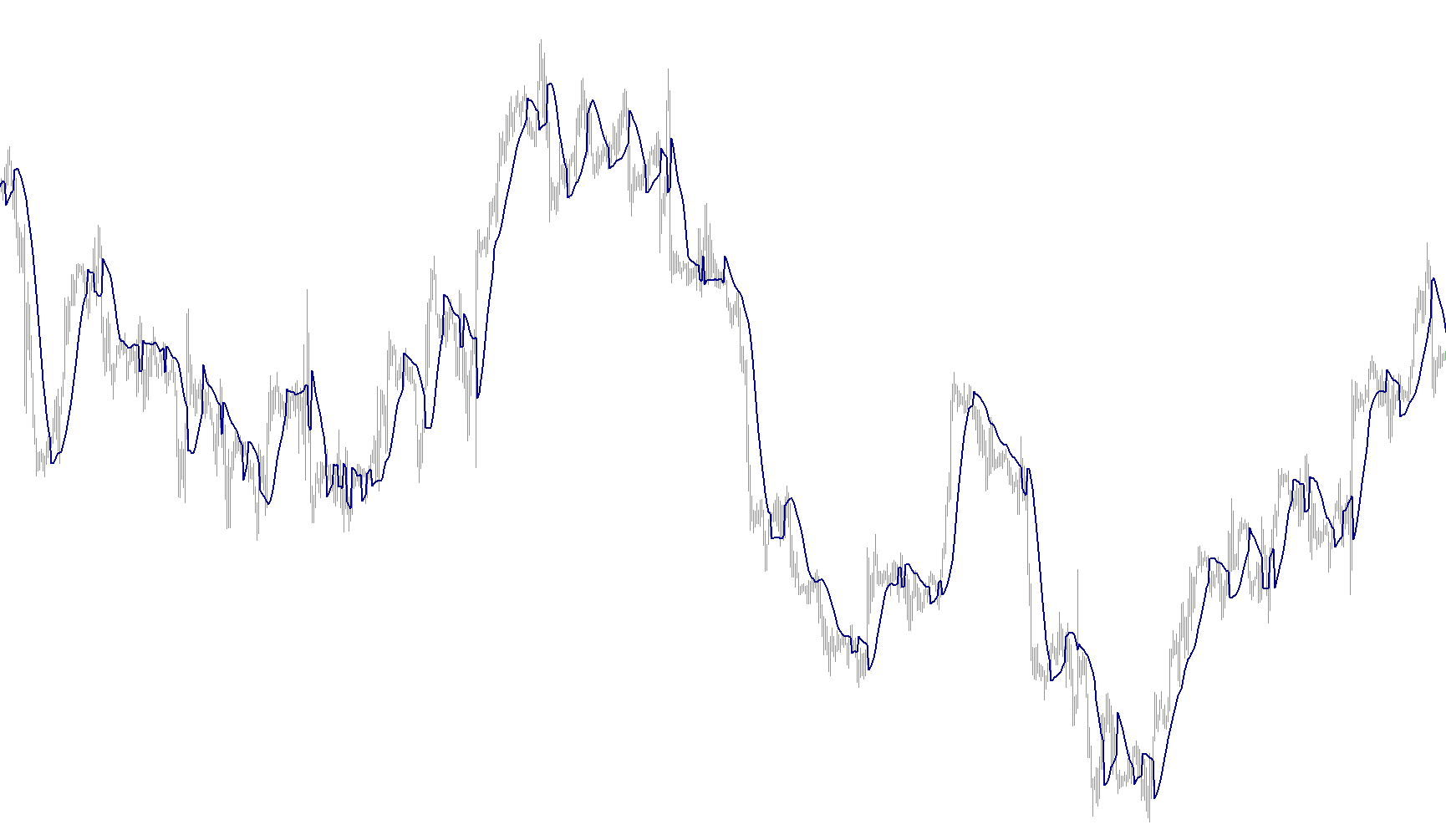
This tool, the HoLo Activator, is designed to assist traders in identifying market trend reversals and potential price turning points by analyzing high and low price movements over a specific period. Rather than just looking at the current price, it uses moving averages to smooth out "market noise," making it easier to see the underlying direction of the trend.
Core Logic Overview
The script operates by calculating two distinct moving averages simultaneously:
- A High-Price Average: Based on the highest prices reached during a set timeframe.
- A Low-Price Average: Based on the lowest prices reached during that same timeframe.
By comparing the current closing price against these two averages, the script determines the "momentum" of the market to decide when to trigger a signal.
How it Identifies Signals
The logic follows a specific set of rules to determine shifts in market sentiment:
- Bullish Signal (Upward Trend): When the market price closes significantly above the average of previous highs, the script recognizes this as upward momentum. In response, it marks a level based on the low-price average.
- Bearish Signal (Downward Trend): When the market price closes significantly below the average of previous lows, the script recognizes downward momentum. It then marks a level based on the high-price average.
Visual Presentation Options
The tool provides different ways to view these signals depending on your trading style:
- Lines Mode: This creates a continuous "Activator" line on your chart. The line will shift its position as the market transitions from bullish to bearish, providing a clear visual path of the current trend's "floor" or "ceiling."
- Dots Mode: Instead of a continuous line, this mode displays specific points (arrows/dots) at the exact moment the trend shifts. This is ideal for traders who prefer to see distinct "buy" or "sell" triggers rather than a moving trend path.
Summary of User Control
The script allows you to customize the sensitivity of these signals through a few simple settings:
- Period (R): You can adjust how many past candles the script looks at to calculate its averages. A higher number makes the signals smoother and slower, while a lower number makes the tool more responsive to quick price changes.
- Visual Style: You can toggle between seeing the trend as a continuous line or as individual dots to suit your specific charting preference.
//+------------------------------------------------------------------+
//|                                               HoLo Activator.mq4 |
//|                               Copyright © 2004, Poul_Trade_Forum |
//|                                                         Aborigen |
//|                                          http://forex.kbpauk.ru/ |
//+------------------------------------------------------------------+
// Modified Aug14,2007 Kenneth Hookham to provide solid line option

#property copyright "Poul Trade Forum"
#property link      "http://forex.kbpauk.ru/"
#property indicator_chart_window
#property indicator_buffers 3

#property indicator_color1 Blue
#property indicator_color2 Red
#property indicator_color3 Navy


//---- input parameters
extern int R=10; // default value for auslanco system
extern bool dots=false;
extern bool line=true;

//---- buffers
double HighBuffer[];
double LowBuffer[];
double LineBuffer[];
double VALUE1,VALUE2,VALUE11,VALUE22;
//+------------------------------------------------------------------+
//| Custom indicator initialization function                         |
//+------------------------------------------------------------------+
int init()
  {
   string short_name;
//---- indicator line
   if(dots)
   {
   SetIndexStyle(0,DRAW_ARROW,EMPTY,1,Blue);
   SetIndexStyle(1,DRAW_ARROW,EMPTY,1,Red);

   SetIndexArrow(0, 0x9F);
   SetIndexArrow(1, 0x9F);

   SetIndexBuffer(0,HighBuffer);
   SetIndexBuffer(1,LowBuffer);

   SetIndexEmptyValue(0,0);
   SetIndexEmptyValue(1,0);
   }
   if(line)
   {
   SetIndexStyle(2,DRAW_LINE,EMPTY,2,Navy);
   SetIndexBuffer(2,LineBuffer);
   SetIndexEmptyValue(2,0);
   }
//---- name for DataWindow and indicator subwindow label
   short_name="HiLoV2";
   IndicatorShortName(short_name);
   SetIndexLabel(0,short_name);

//----
   SetIndexDrawBegin(0,10);
//----

   return(0);
  }
//+------------------------------------------------------------------+
//| Custor indicator deinitialization function                       |
//+------------------------------------------------------------------+
int deinit()
  {
//---- TODO: add your code here
 ObjectsDeleteAll(0);
//----
   return(0);
  }
//+------------------------------------------------------------------+
//| Custom indicator iteration function                              |
//+------------------------------------------------------------------+
int start()
  {
   int    counted_bars=IndicatorCounted(),i,shift,Swing;


//---- TODO: add your code here
i=(Bars-counted_bars)-1;

for (shift=i; shift>=0;shift--)
{


VALUE1=iMA(NULL,0,R,0,MODE_SMA,PRICE_HIGH,shift+1);
VALUE2=iMA(NULL,0,R,0,MODE_SMA,PRICE_LOW,shift+1);

if (Close[shift+1]<VALUE2 ) Swing=-1;
if (Close[shift+1]>VALUE1 ) Swing=1;
if(dots)
{
if (Swing==1) { HighBuffer[shift]=VALUE2; LowBuffer[shift]=0;  }
if (Swing==-1) { LowBuffer[shift]=VALUE1; HighBuffer[shift]=0; }
}
if(line)
{
if (Swing==1) { LineBuffer[shift]=VALUE2;   }
if (Swing==-1) { LineBuffer[shift]=VALUE1;  }
}


 //----
}
   return(0);
  }
//+------------------------------------------------------------------+
Comments