xpMA_v2SATLm
Download script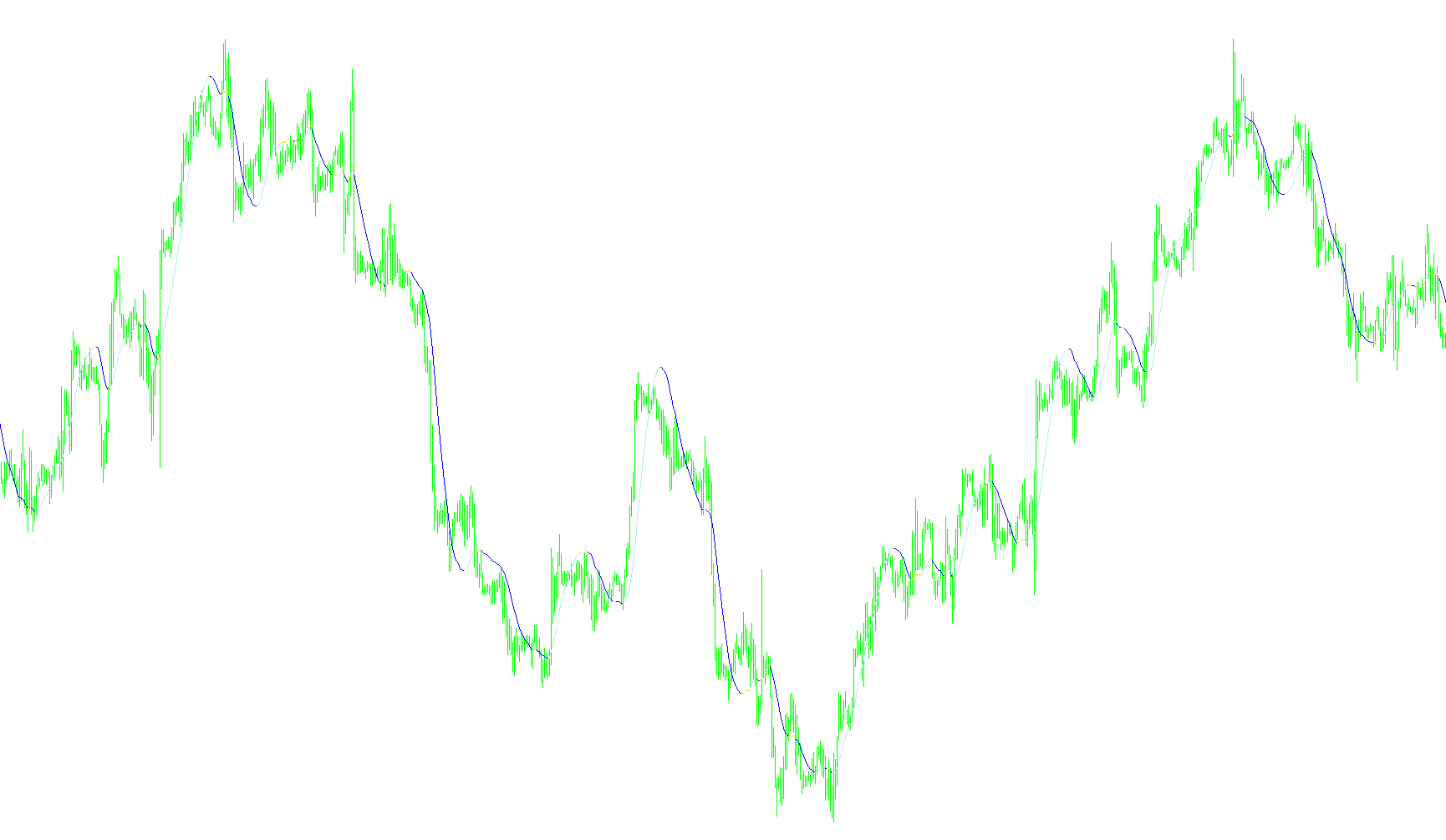
The XP Moving Average is a versatile technical analysis tool designed to help traders visualize price trends more clearly by smoothing out market "noise." Instead of providing just one standard calculation, this script acts as a multi-functional engine that allows users to choose from a wide variety of advanced moving average methodologies depending on their specific trading style.
Core Functionality
The primary logic of the script revolves around its ability to switch between different mathematical models for calculating price averages. It supports several industry-standard types, including:
- Standard Averages: Simple, Exponential, Smoothed, and Linear Weighted moving averages.
- Advanced Smoothing: More complex variations like Double Exponential (DEMA), Triple Exponential (TEMA), T3 Moving Average, Jurik Moving Average (JMA), and SATL.
By offering these diverse options, the tool allows traders to balance "sensitivity" against "smoothness." For example, some averages react very quickly to price changes but may produce false signals, while others are much slower but provide a clearer picture of the long-term trend.
Price Application
The script is designed to be flexible regarding which price data it monitors. Rather than only looking at where a candle closes, it can be configured to calculate averages based on:
- Opening prices
- Highs and Lows
- Median or Typical prices (calculated from the range of the candle)
- Weighted close prices
Visual Logic and Trend Detection
Beyond just drawing a single line, the script contains specific logic to identify the direction of the trend visually. It performs a comparison between the current price average and the previous one:
- Trend Analysis: The tool constantly checks if the current average value is higher or lower than the previous bar's value.
- Dynamic Coloring: Based on this comparison, it identifies whether the trend is moving upward or downward.
- Visual Feedback: It uses different colored buffers (Yellow, Red, and Blue) to highlight these movements. If the average is increasing, one specific color is emphasized; if it is decreasing, another takes prominence. This allows a trader to see at a glance whether momentum is shifting without having to manually interpret the slope of the line.
Performance Handling
To ensure the trading platform remains responsive, the script includes a "Max Bars" limit. This prevents the tool from trying to calculate thousands of historical data points simultaneously, focusing the processing power on the most recent and relevant market data.
//+------------------------------------------------------------------+
//|                       XP Moving Average                          |
//|                                                         xpMA.mq4 |
//|                                         Developed by Coders Guru |
//|                                            http://www.xpworx.com |
//+------------------------------------------------------------------+

#property link      "http://www.xpworx.com"


#property indicator_chart_window
#property indicator_buffers 3
#property indicator_color1 Yellow
#property indicator_color2 Red
#property indicator_color3 Blue


#define MODE_DEMA 4
#define MODE_TEMA 5
#define MODE_T3MA 6
#define MODE_JMA  7
#define MODE_SATL 8

/* Moving average types constants:
------------------------------------
MODE_SMA       0     Simple moving average,
MODE_EMA       1     Exponential moving average,
MODE_SMMA      2     Smoothed moving average,
MODE_LWMA      3     Linear weighted moving average.
MODE_DEMA      4     Double Exponential Moving Average.
MODE_TEMA      5     Triple Exponential Moving Average.
MODE_T3MA      6     T3 Moving Average.
MODE_JMA       7     Jurik Moving Average.
MODE_SATL      8     SATL Moving Average.
------------------------------------*/

/* Applied price constants:
-------------------------------
PRICE_CLOSE    0     Close price.
PRICE_OPEN     1     Open price.
PRICE_HIGH     2     High price.
PRICE_LOW      3     Low price.
PRICE_MEDIAN   4     Median price, (high+low)/2.
PRICE_TYPICAL  5     Typical price, (high+low+close)/3.
PRICE_WEIGHTED 6     Weighted close price, (high+low+close+close)/4.
--------------------------------- */


extern   int      MA_Period               = 34;
extern   int      MA_Type                 = MODE_SATL;
extern   int      MA_Applied              = PRICE_CLOSE;
extern   double   T3MA_VolumeFactor       = 0.8;
extern   double   JMA_Phase               = 0;
extern   int      MaxBarsToCount          = 2500;

double UpBuffer[];
double DownBuffer[];
double Buffer3[];
double buffer[];
double tempbuffer[];
double matriple[];

int init()
{
   IndicatorBuffers(6);

   SetIndexStyle(2,DRAW_LINE);
   SetIndexBuffer(2,UpBuffer);
   SetIndexStyle(1,DRAW_LINE);
   SetIndexBuffer(1,DownBuffer);
   SetIndexStyle(0,DRAW_LINE);
   SetIndexBuffer(3,Buffer3);
   SetIndexBuffer(0,buffer);
   SetIndexBuffer(4,tempbuffer);
   SetIndexBuffer(5,matriple);
   return(0);
}

int deinit()
{
   return(0);
}


void start()
{
   int limit;
   int i = 0;

   int counted_bars=IndicatorCounted();
   if(counted_bars<0) return(-1);
   if(counted_bars>0) counted_bars--;
//  if(counted_bars<0) return(-1);
//   limit=Bars-counted_bars-1;
   limit=Bars-counted_bars;
   limit=MathMin(limit,MaxBarsToCount);

   switch (MA_Type)
   {
      case 0:
      case 1:
      case 2:
      case 3:
            {
                  for(i=0; i<limit; i++)
                  {
                     buffer[i] = iMA(NULL,0,MA_Period,0,MA_Type,MA_Applied,i);
                  }
            }
            break;

      case 4:
            {
                  for(i=0; i<limit; i++)
                  {
                     tempbuffer[i] = iMA(NULL,0,MA_Period,0,MODE_EMA,MA_Applied,i);
                  }
                  for(i=0; i<limit; i++)
                  {
                     matriple[i] = iMAOnArray(tempbuffer,0,MA_Period,0,MODE_EMA,i);
                  }
                  for(i=0; i<limit; i++)
                  {
                     buffer[i] = iMAOnArray(matriple,0,MA_Period,0,MODE_EMA,i);
                  }
            }
            break;

      case 5:
            {
                  for(i=0; i<limit; i++)
                  {
                     tempbuffer[i] = iMA(NULL,0,MA_Period,0,MODE_EMA,MA_Applied,i);
                  }
                  for(i=0; i<limit; i++)
                  {
                     buffer[i] = iMAOnArray(tempbuffer,0,MA_Period,0,MODE_EMA,i);
                  }
            }
            break;

      case 6:
            {
                  for(i=0; i<limit; i++)
                  {
                     buffer[i] = iCustom(NULL,0,"T3MA",MA_Period,T3MA_VolumeFactor,0,i);
                  }
            }
      case 7:
            {
                  for(i=0; i<limit; i++)
                  {
                     buffer[i] = iCustom(NULL,0,"JMA",MA_Period,JMA_Phase,0,i);
                  }
            }


      case 8:
            {
                  for(i=0; i<limit; i++)
                  {
                     buffer[i] = iCustom(NULL,0,"SATL",0,i);
                  }

            }


            break;
   }

   for(int shift=0; shift<limit; shift++)
   {
       UpBuffer[shift] = buffer[shift];
       DownBuffer[shift] = buffer[shift];
       Buffer3[shift] = buffer[shift];
   }
   for(shift=0; shift<limit; shift++)
   {
      if (buffer[shift]<buffer[shift+1])
      {
         UpBuffer[shift] = EMPTY_VALUE;
      }
      else if (buffer[shift]>buffer[shift+1] )
      {
         DownBuffer[shift] = EMPTY_VALUE;
      }
      else
      {
         UpBuffer[shift] = EMPTY_VALUE;
         DownBuffer[shift] = EMPTY_VALUE;
      }
   }

   return(0);
}
Comments